
Messaging and sharing files in a timeline
Post messages, photos, video, voice notes and documents to a client from the timeline composer.

You post to a timeline from the composer at the top of the feed. The same composer handles messages, media, voice notes, and documents, so everything you send a client goes to the one place.
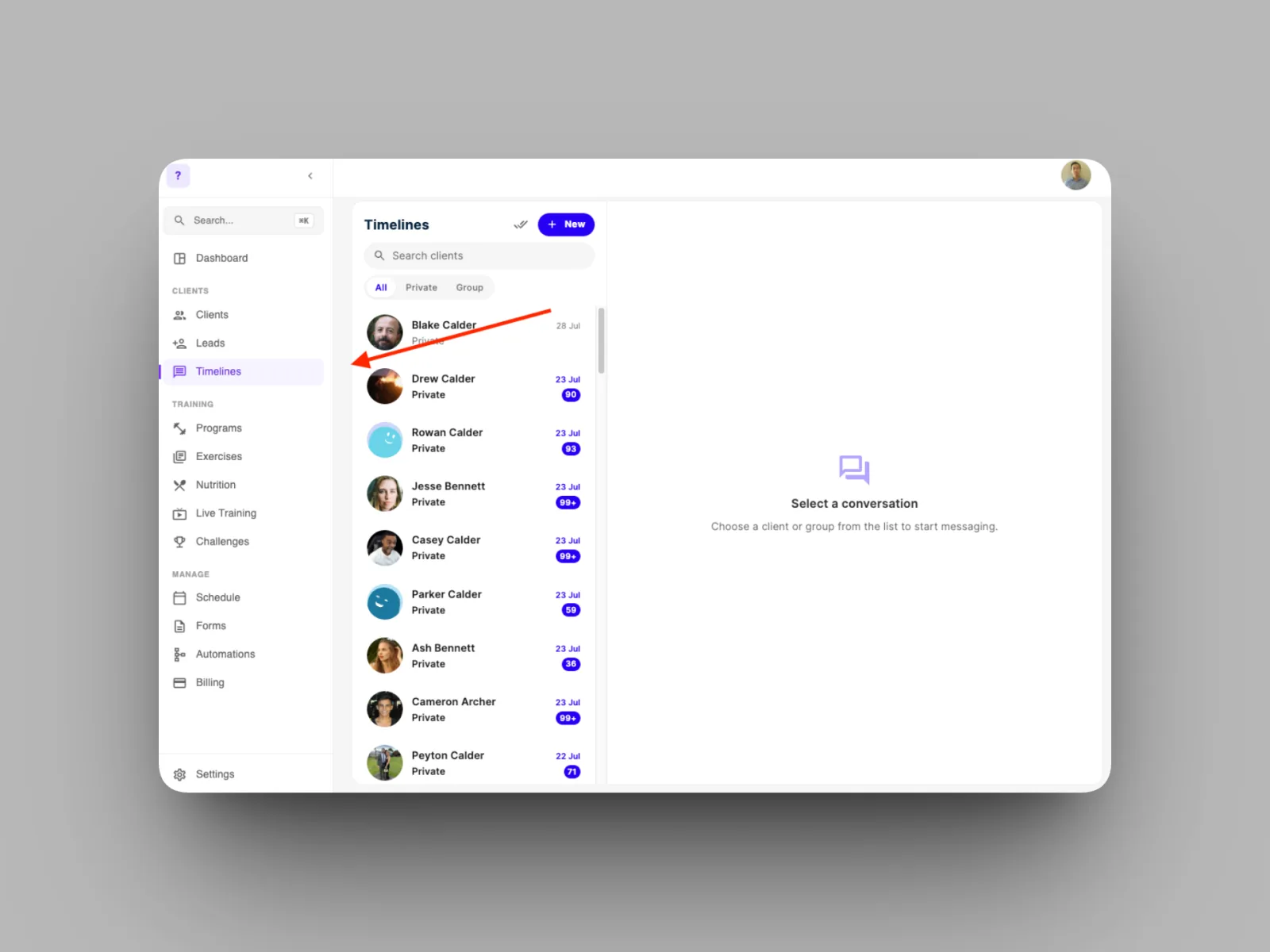
- Open the client's timeline, from Timelines in the left-hand menu or from their profile.
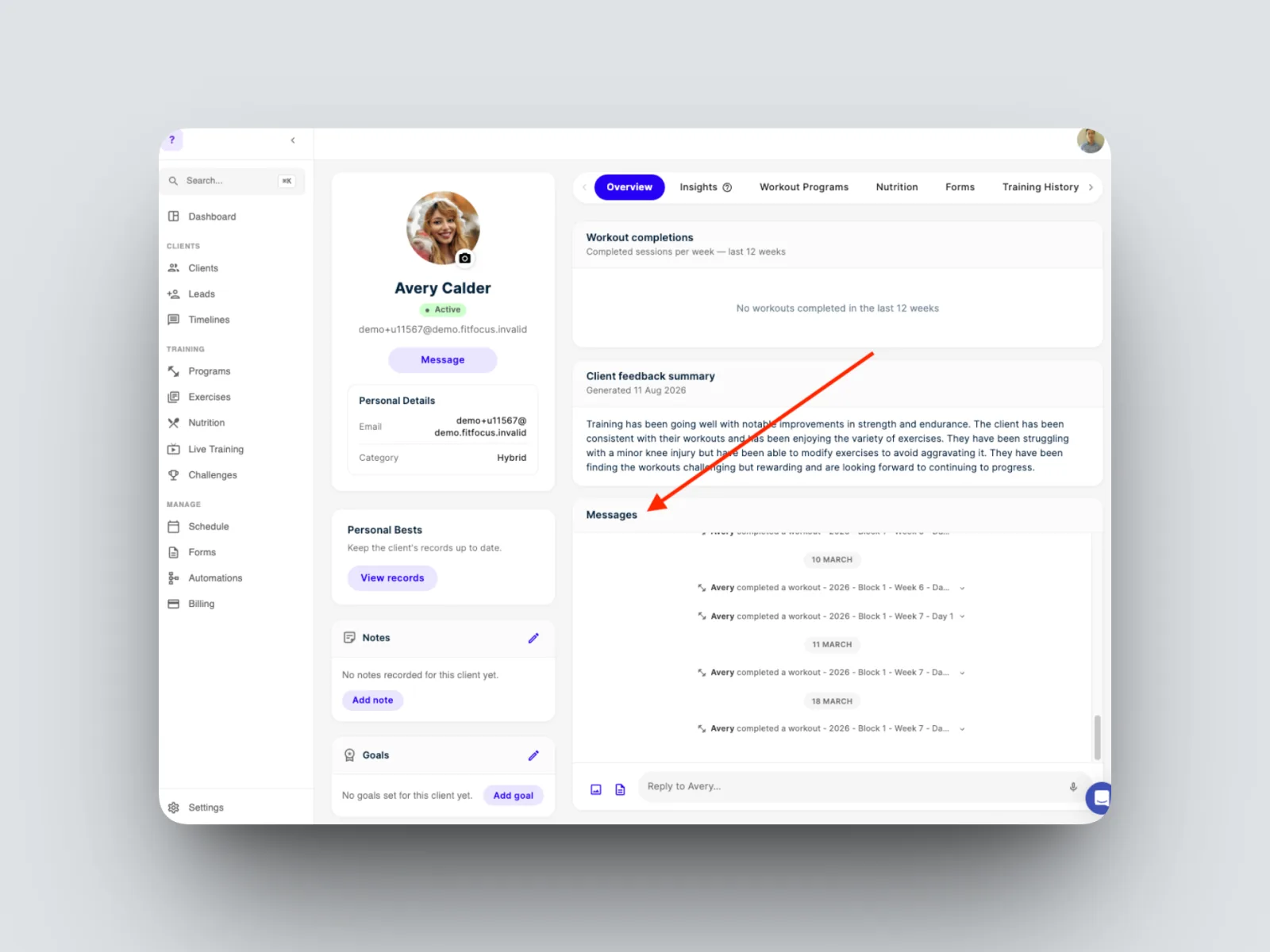
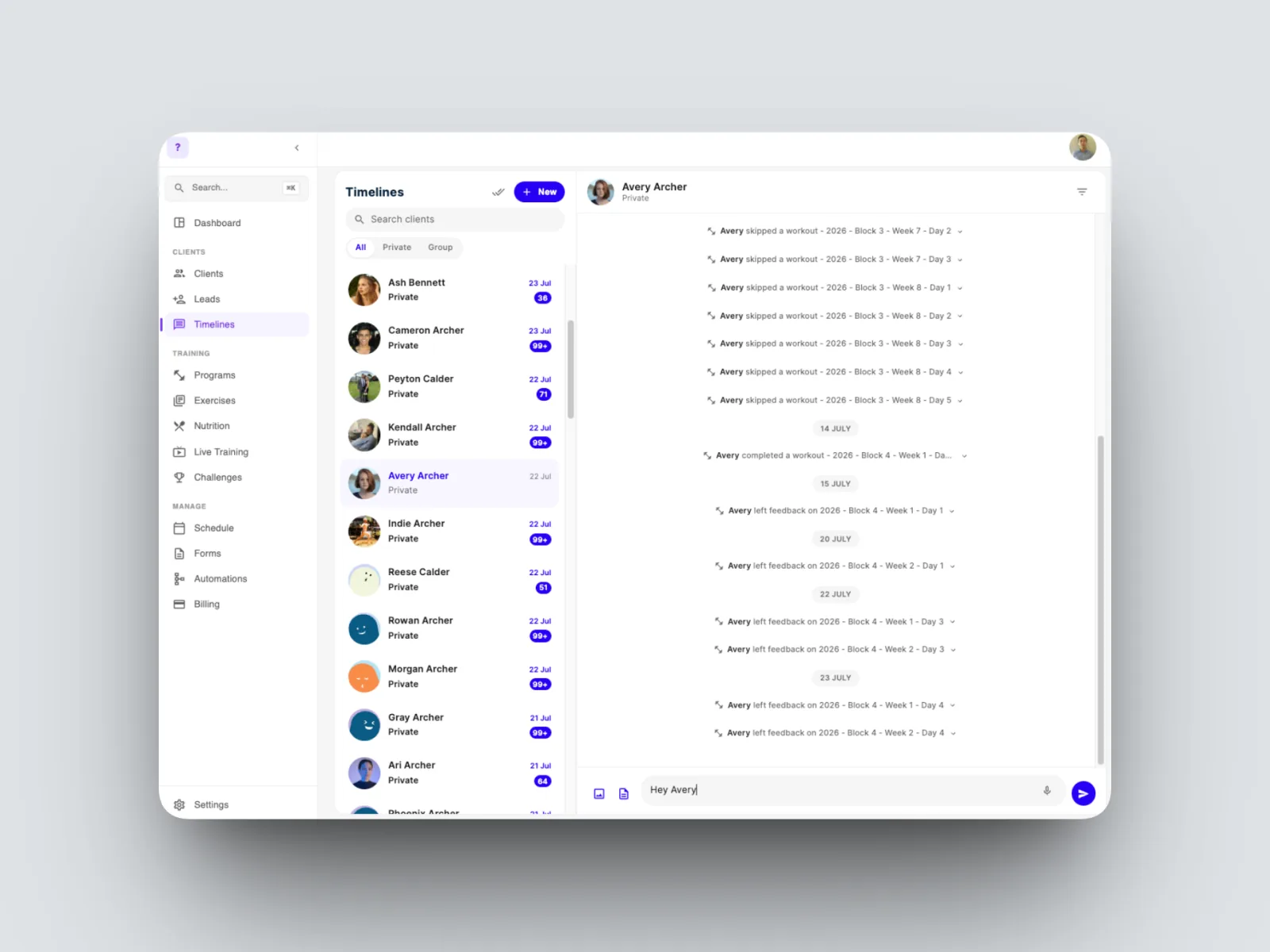
- Write your message in the composer.
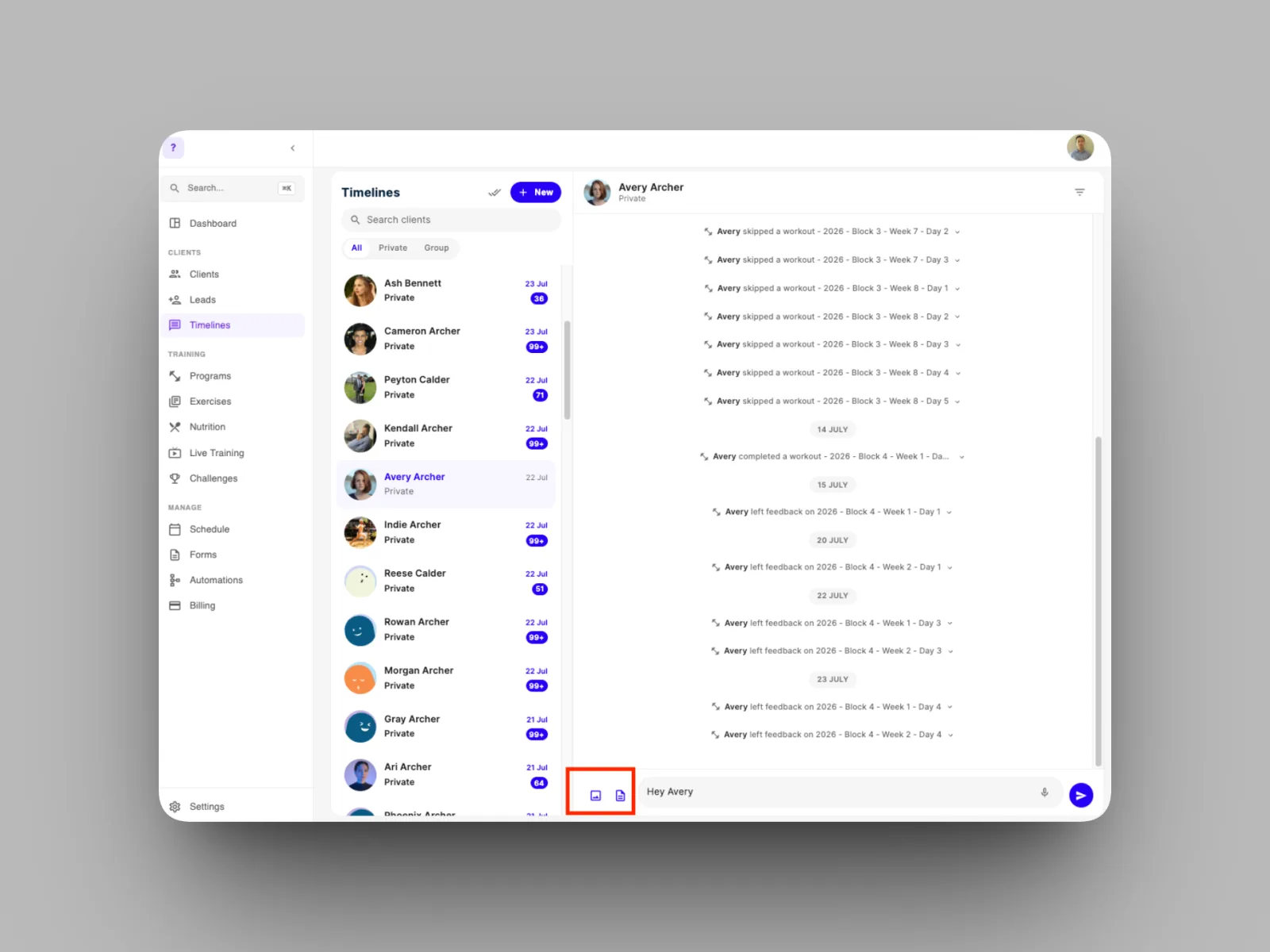
- To attach a photo or video, select the image icon. To record a voice note, select the microphone. To attach a file, select the document icon.
Your message appears in the client's timeline and in their app. Your client can Like or Reply, and their response lands back in the same timeline.