
Scheduling recurring check-ins
Set up a recurring check-in form that goes out automatically on the schedule you choose.

Forms let you collect structured responses from your clients. The most common use is a recurring check-in that goes out automatically on a set schedule, so you get a regular read on how each client is tracking without having to ask every time.
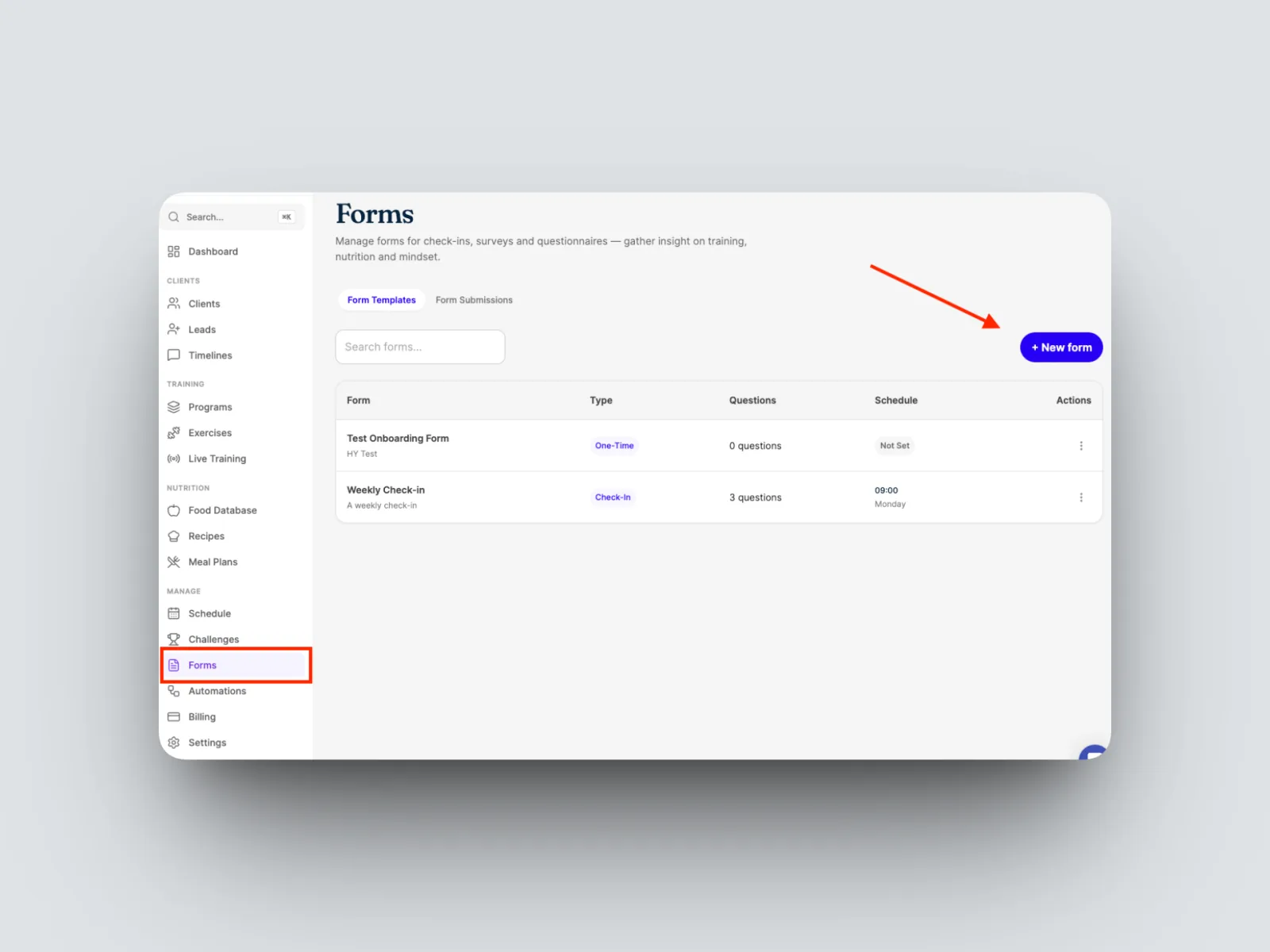
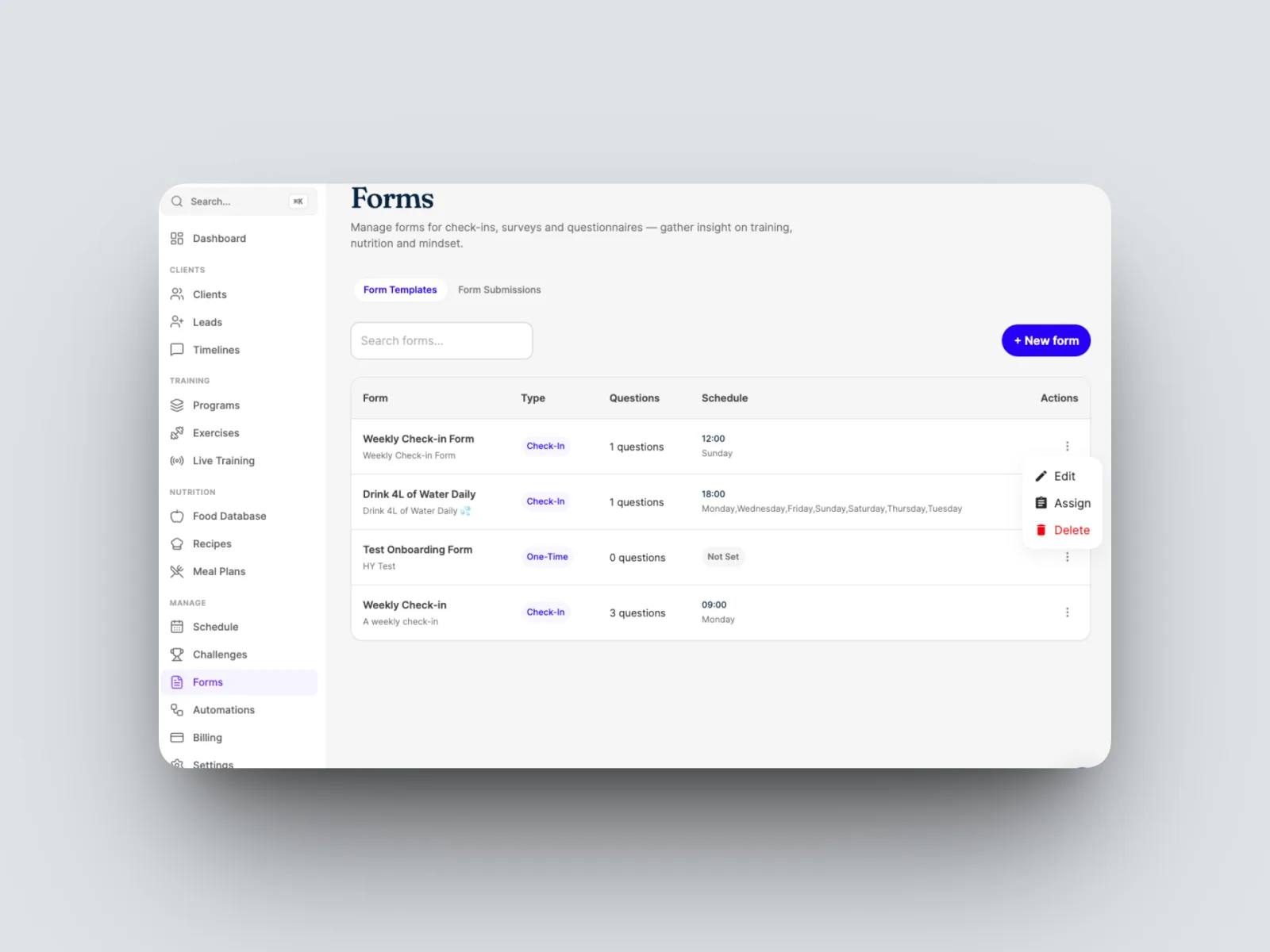
- Open Forms from the left-hand menu and create a new form.
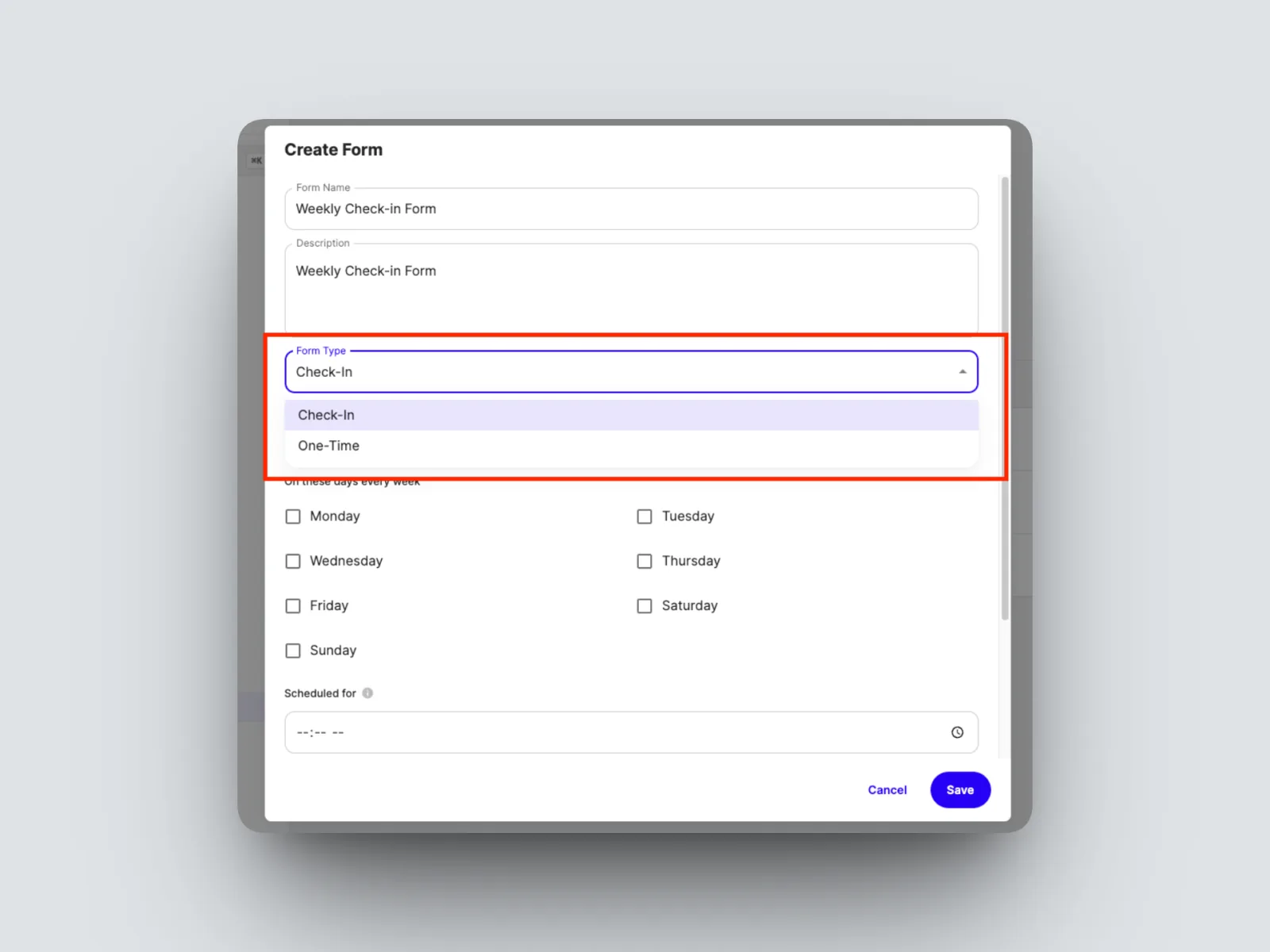
- Name what your recurring check-in form will be called and make sure to select “Check-in” in Form Type
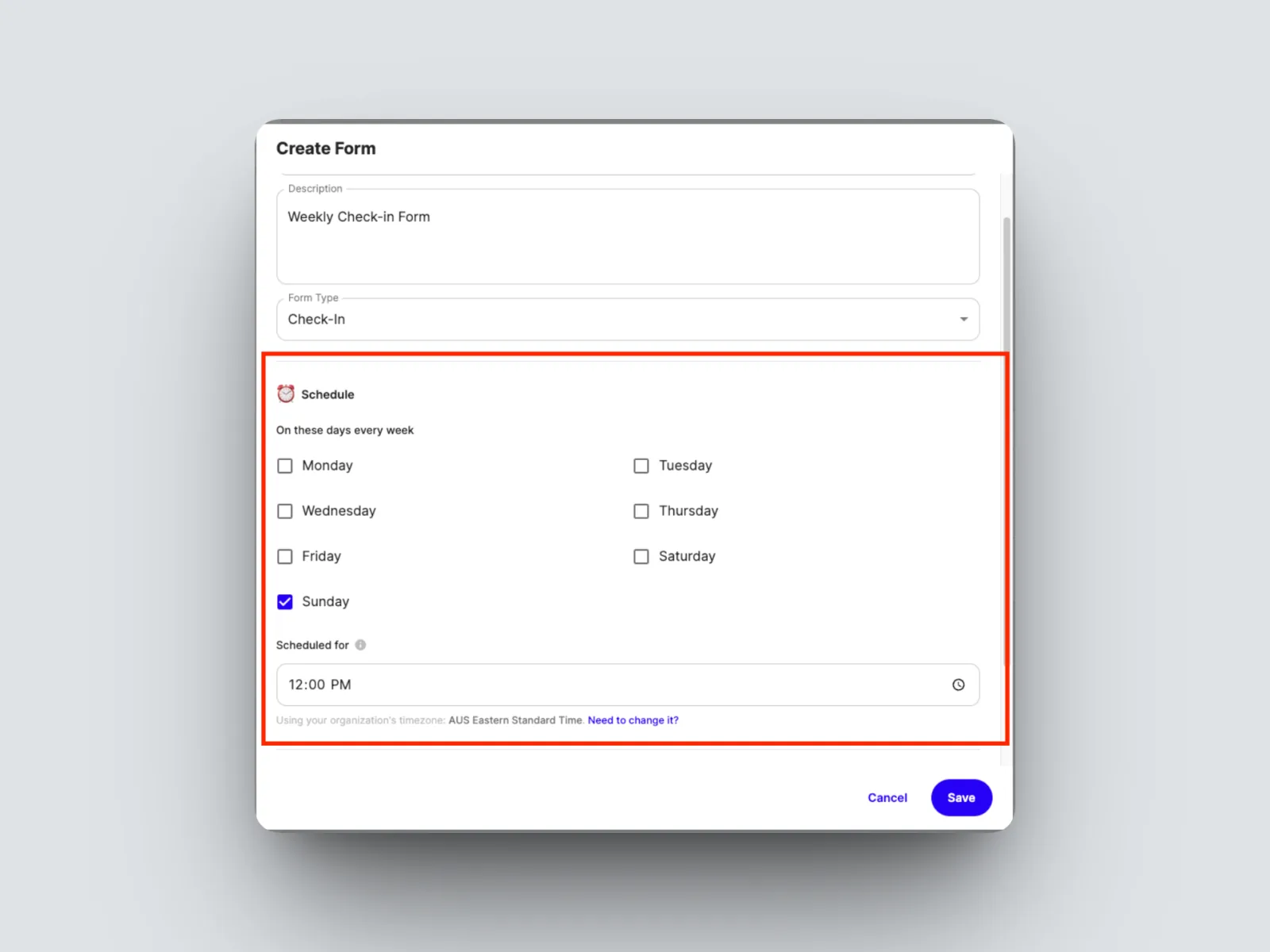
- Set the schedule: the day and time it goes out, for example every Sunday at midday.
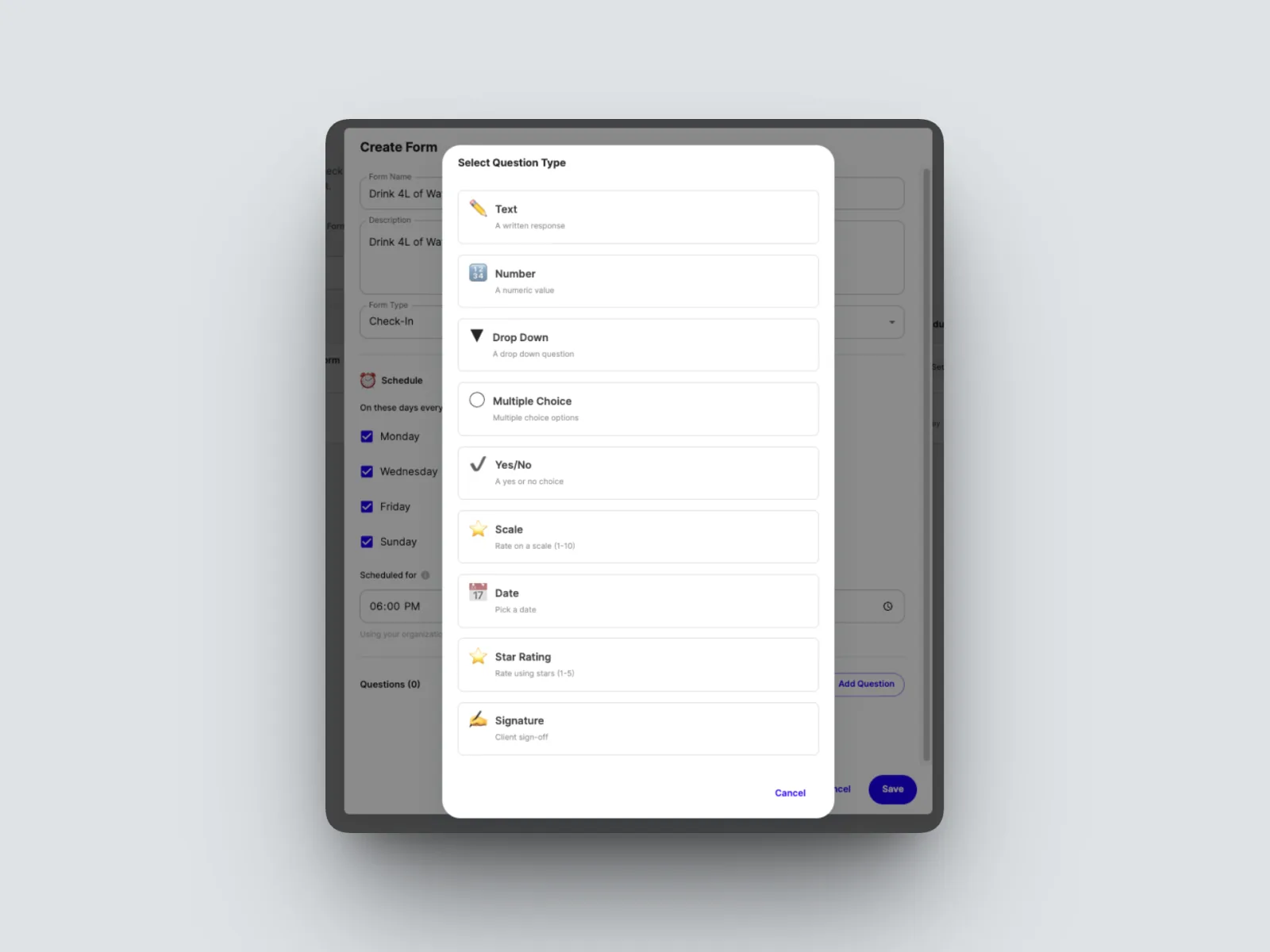
- Add your questions, choosing a question type for each.
- Save the form and assign.
Question types
Each question has a type you choose as you build the form. The ones shown so far include:
- Free text, for open answers such as “How are you feeling this week?”
- Numeric, for a number answer.
- Scale or rating, for example rating the week out of five.
- Date, for asking when a client is available.
Your check-in then sends automatically on the schedule you set. When a client completes one, it appears in their timeline as a submitted check-in. This is the coaching check-in, which is separate from nutrition food logging. See Understanding the timeline.