
Assigning macros (flexible dieting)
Give a client a daily calorie goal and protein, fat and carbohydrate targets to log against.

Assigning macros gives your client a daily calorie goal and protein, fat, and carbohydrate targets. Once saved, they appear in your client's app, where they log their food against them.
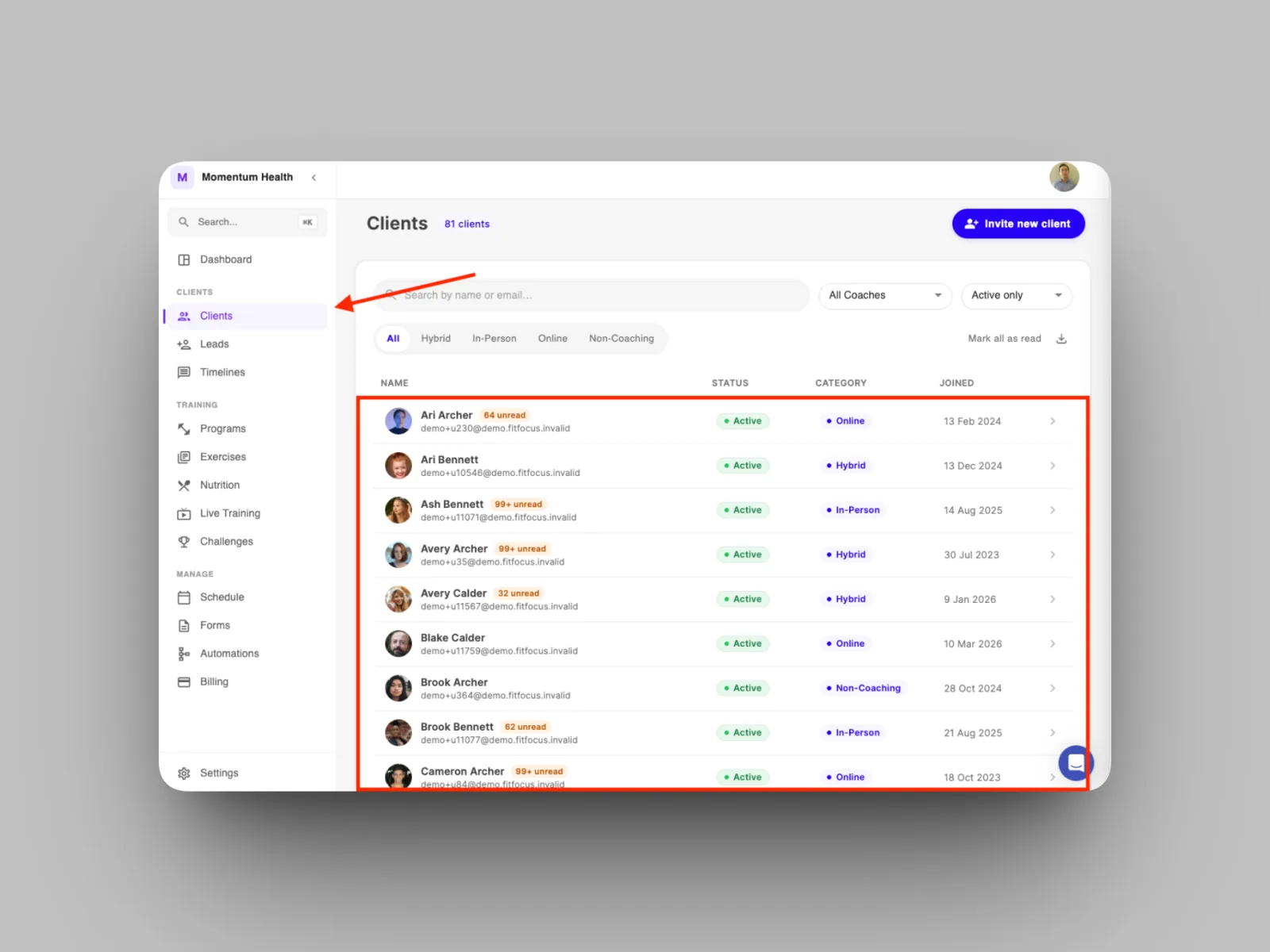
- From the left-hand menu, open Clients and select the client.
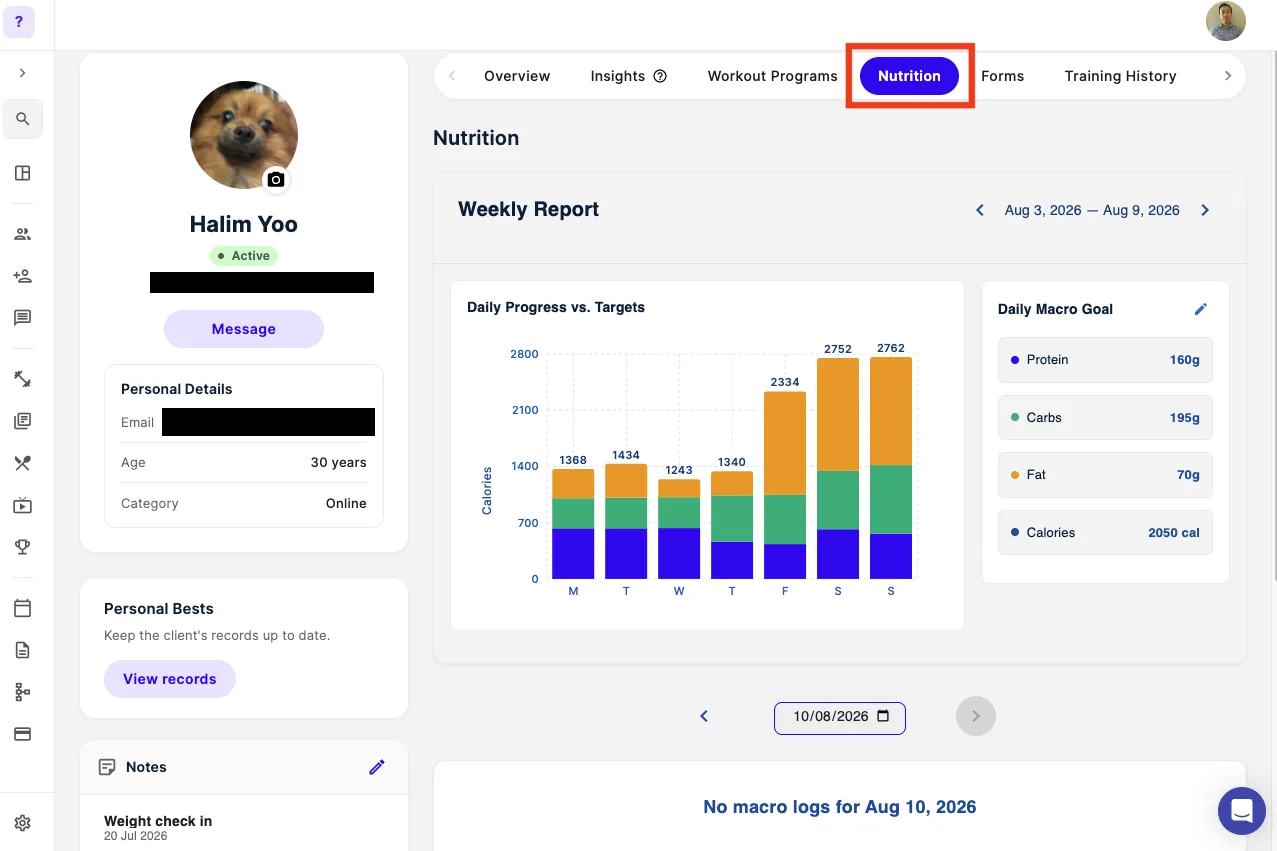
- Go to the Nutrition tab on their profile.
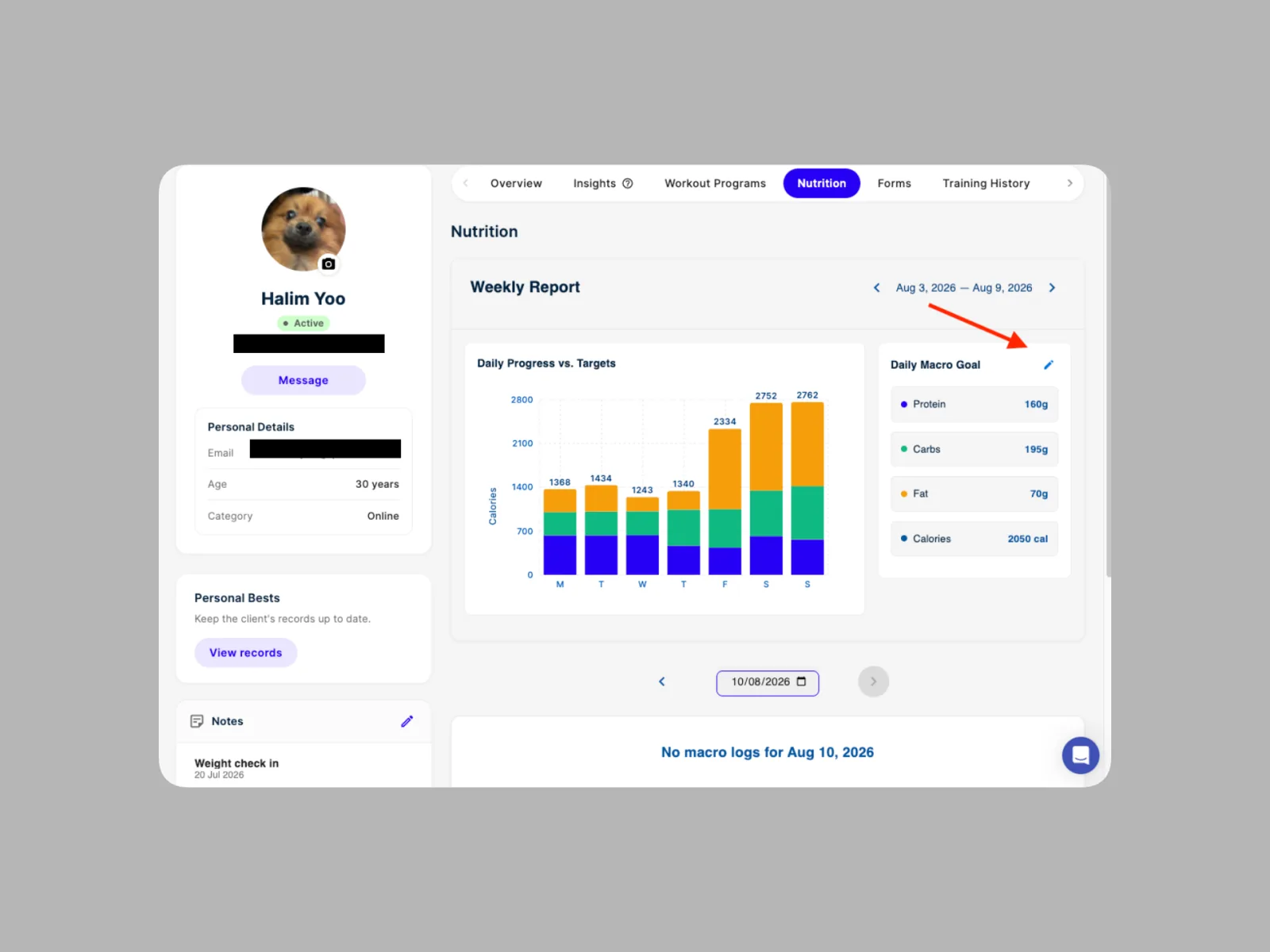
- Enter the client's daily calorie goal and their protein, fat, and carbohydrate targets.
- Save the macros.
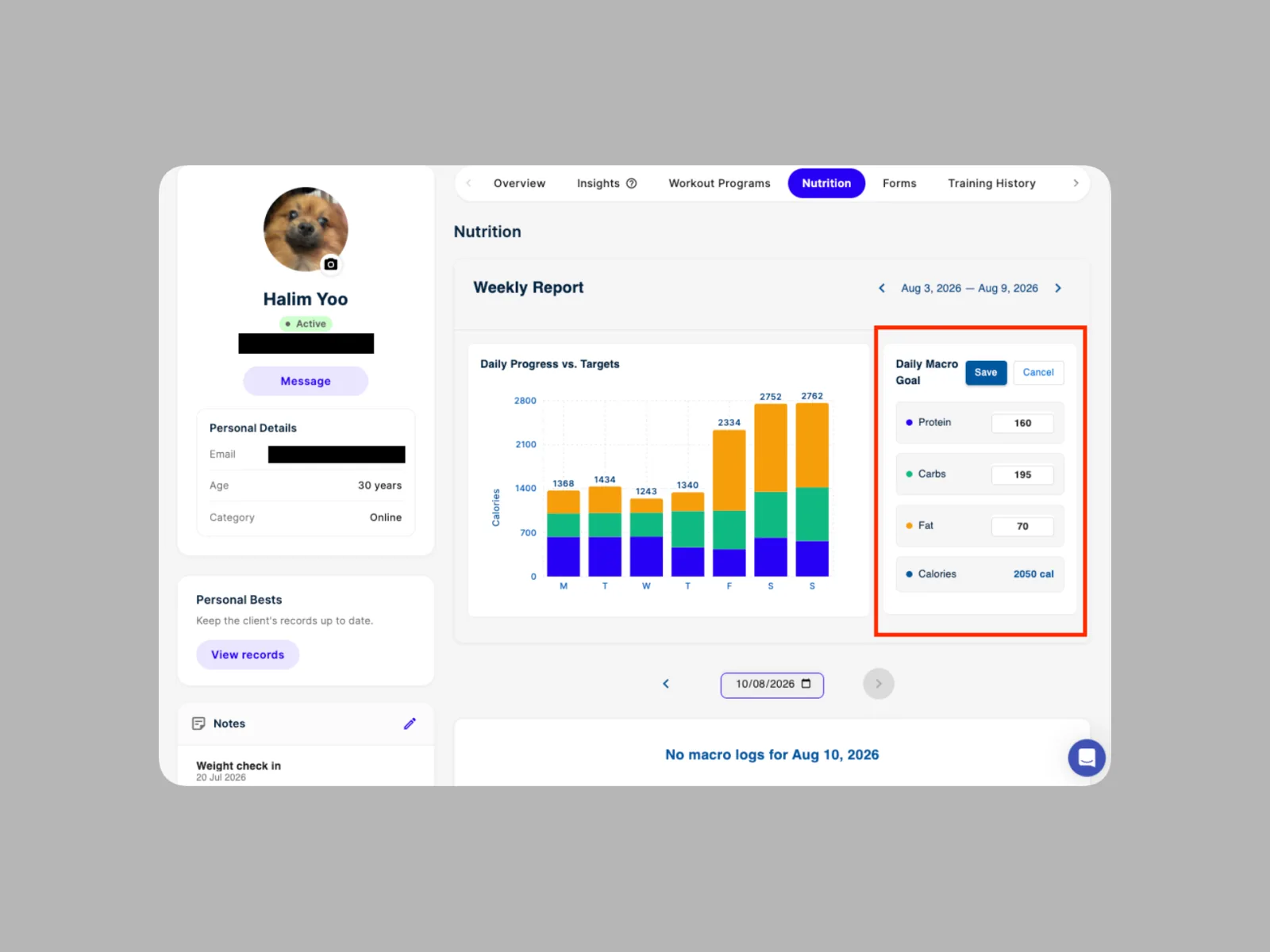
Your client sees their macros in the app straight away and can begin logging food against them. To set a client up with a structured plan instead, see Building and sharing meal plans.