Finding and managing your timelines
Search, filter and clear unread counts across every client conversation from the Timelines page.

As your client base grows, the Timelines page is how you stay on top of every conversation.
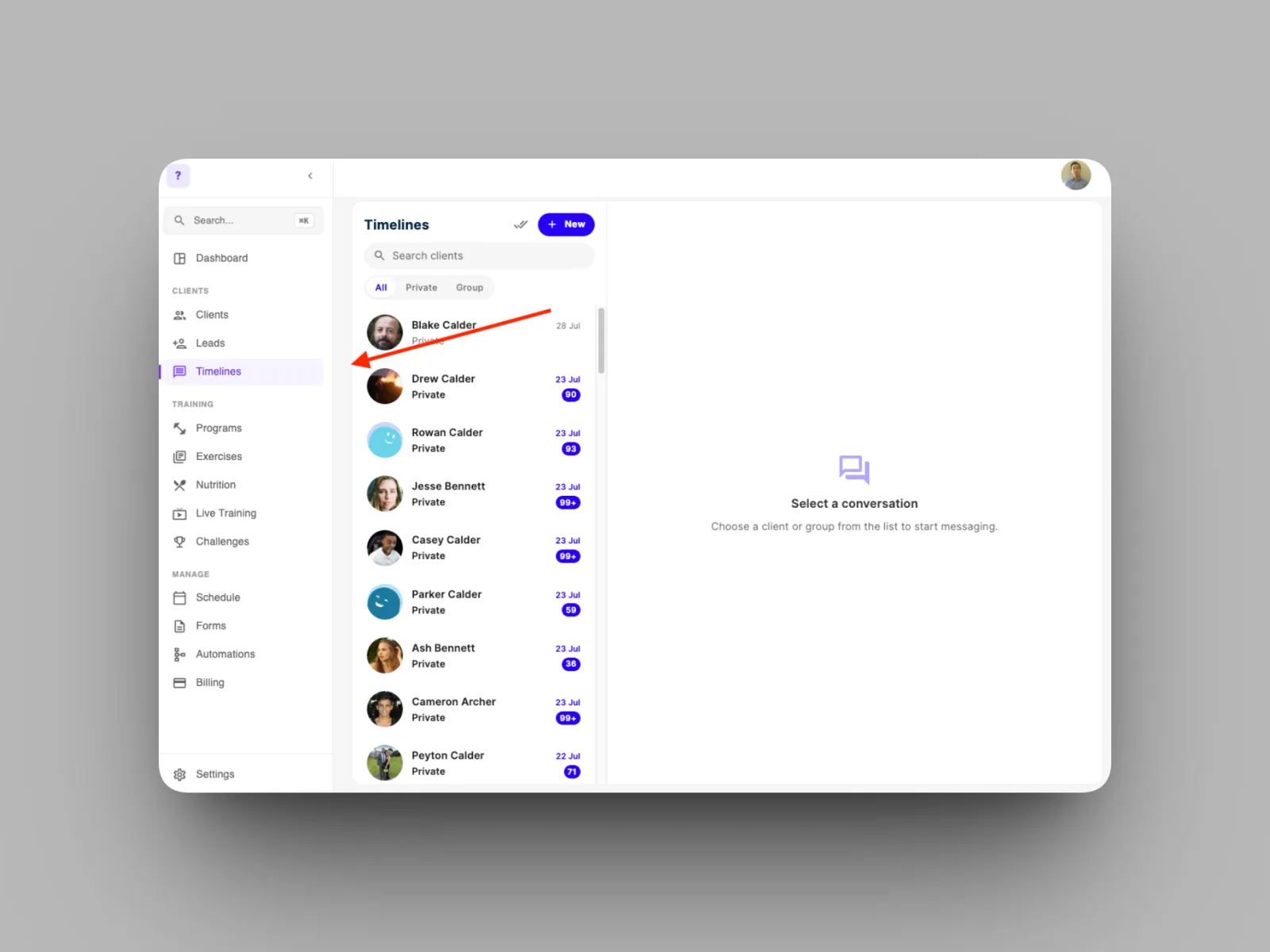
- Open Timelines from the left-hand menu to see all your timelines in one list.
- Search for a client by name, or filter the list by All, Private, or Group.
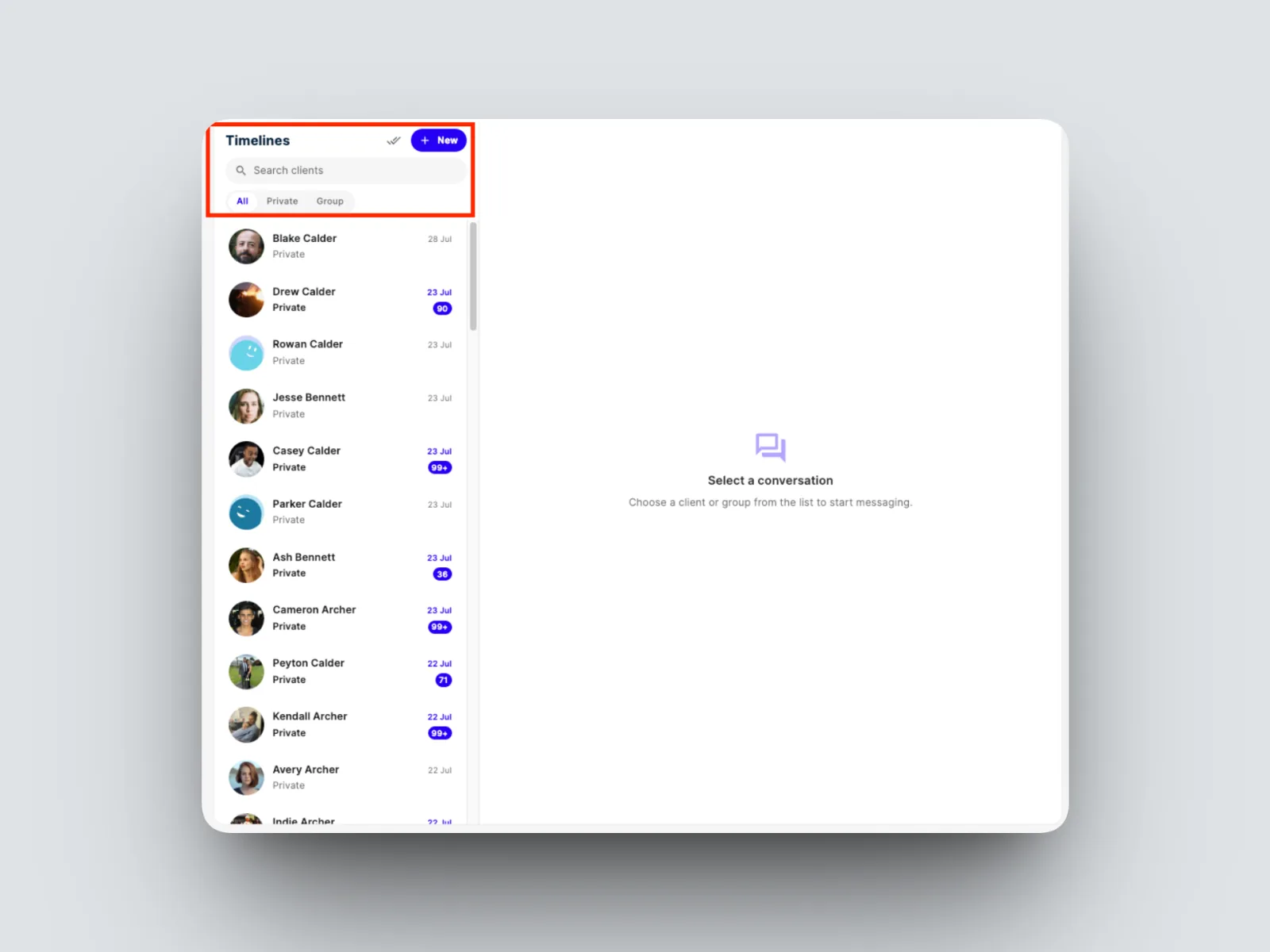
- Check the unread count on each timeline to see who is waiting on you, and open one to catch up.
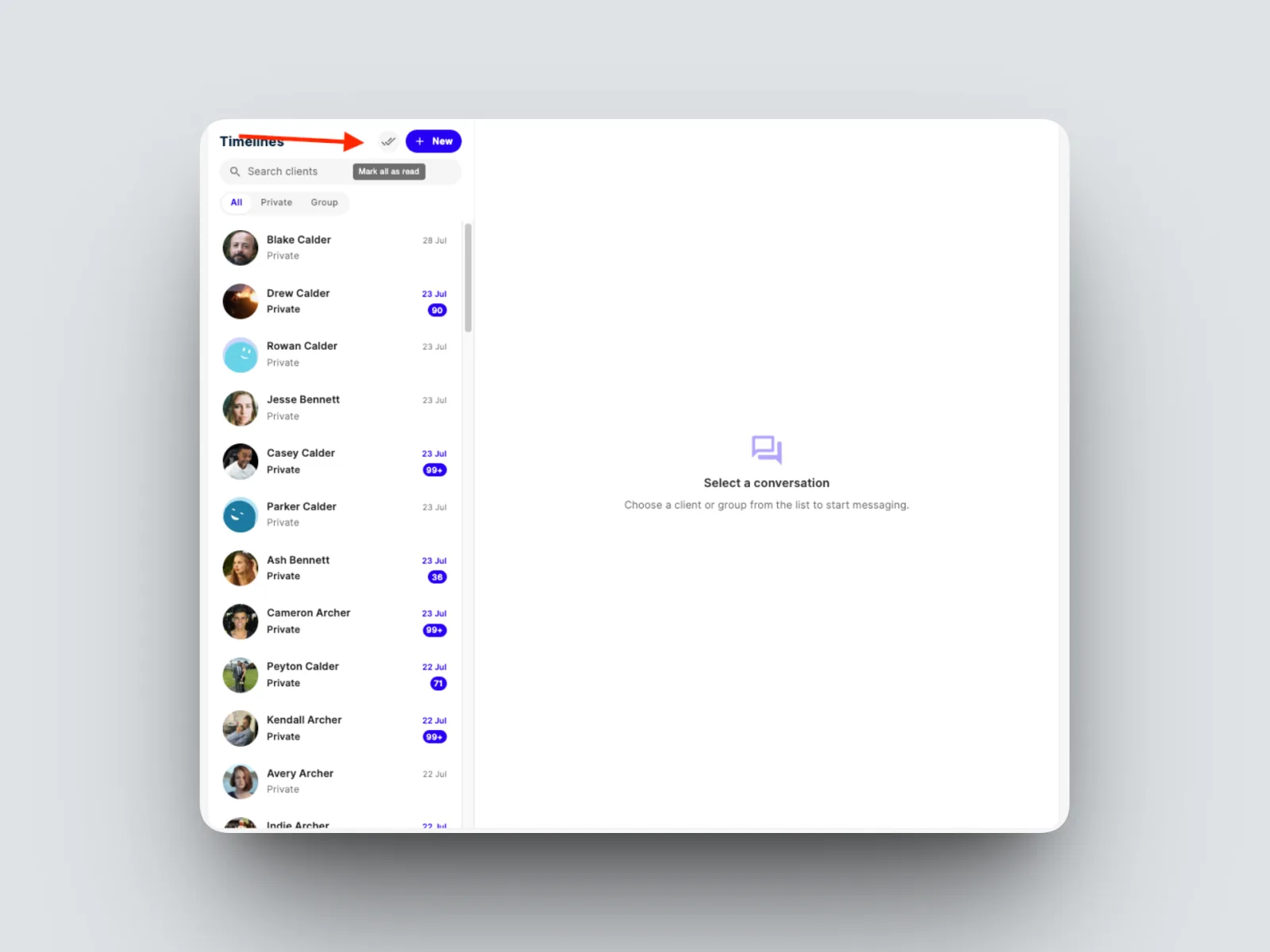
To clear your unread counts in one go, select Mark all as read.