
Building and sharing meal plans
Build a structured meal plan from a verified food database and share it to your client's app.

A meal plan gives your client a structured set of meals to follow, built from a verified food database and delivered straight to their app.
Building and sharing a plan
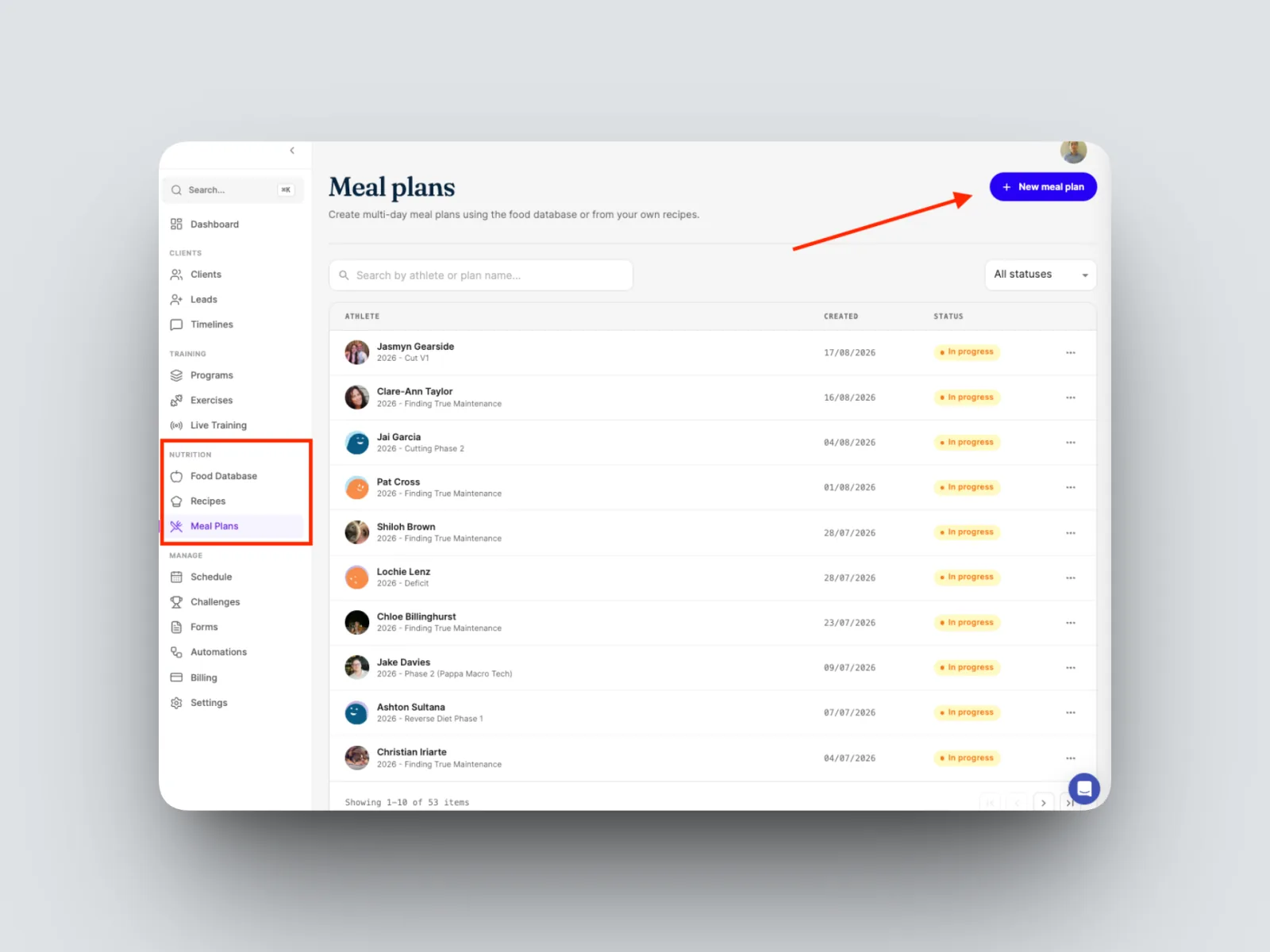
- Click on ‘Meal Plans’ on the left hand menu bar, select ‘New meal plan’, give it a name, and create it.
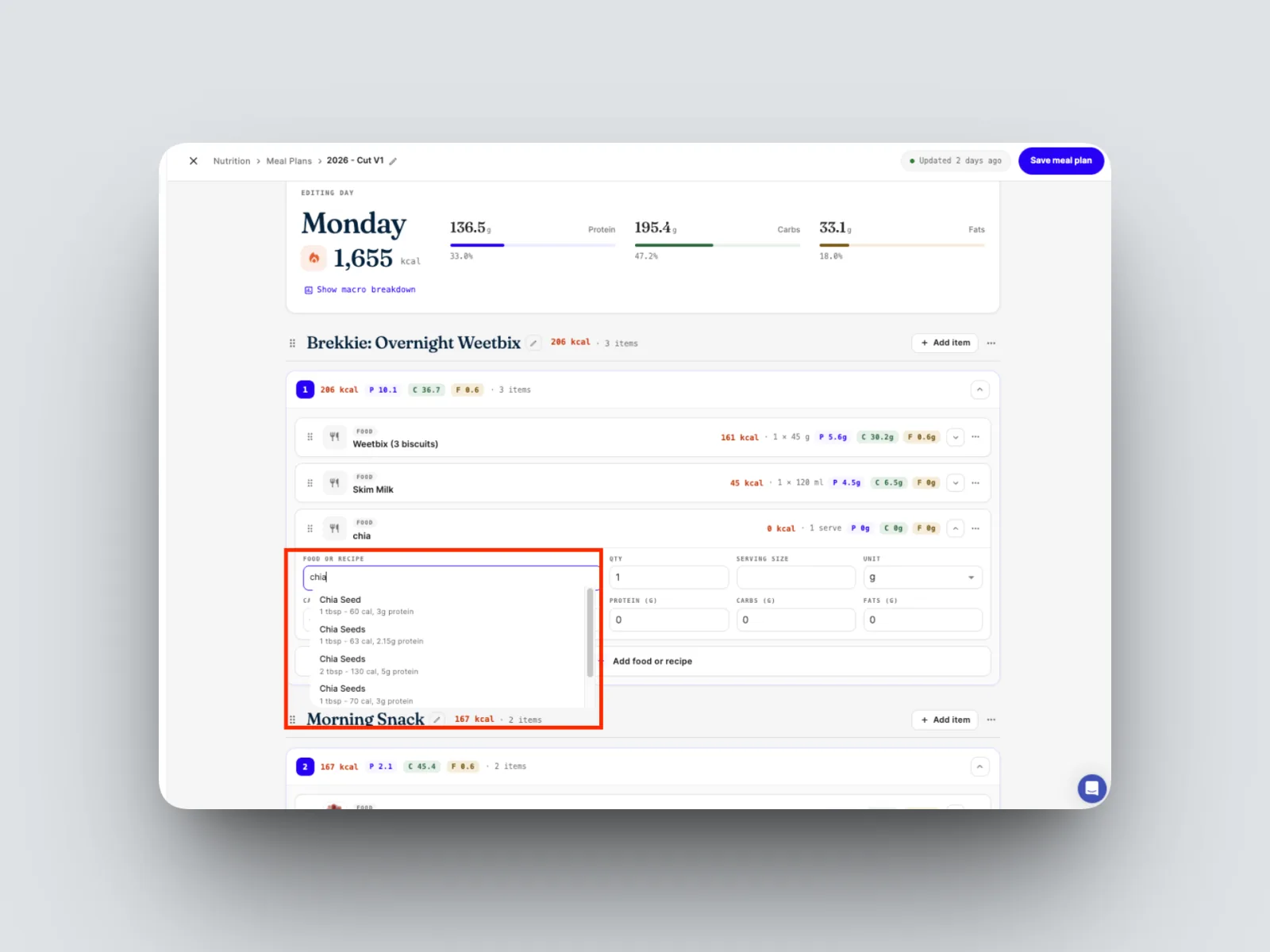
- Search for a food and select it. The builder is connected to the FatSecret verified food database, so results come from a trusted source.
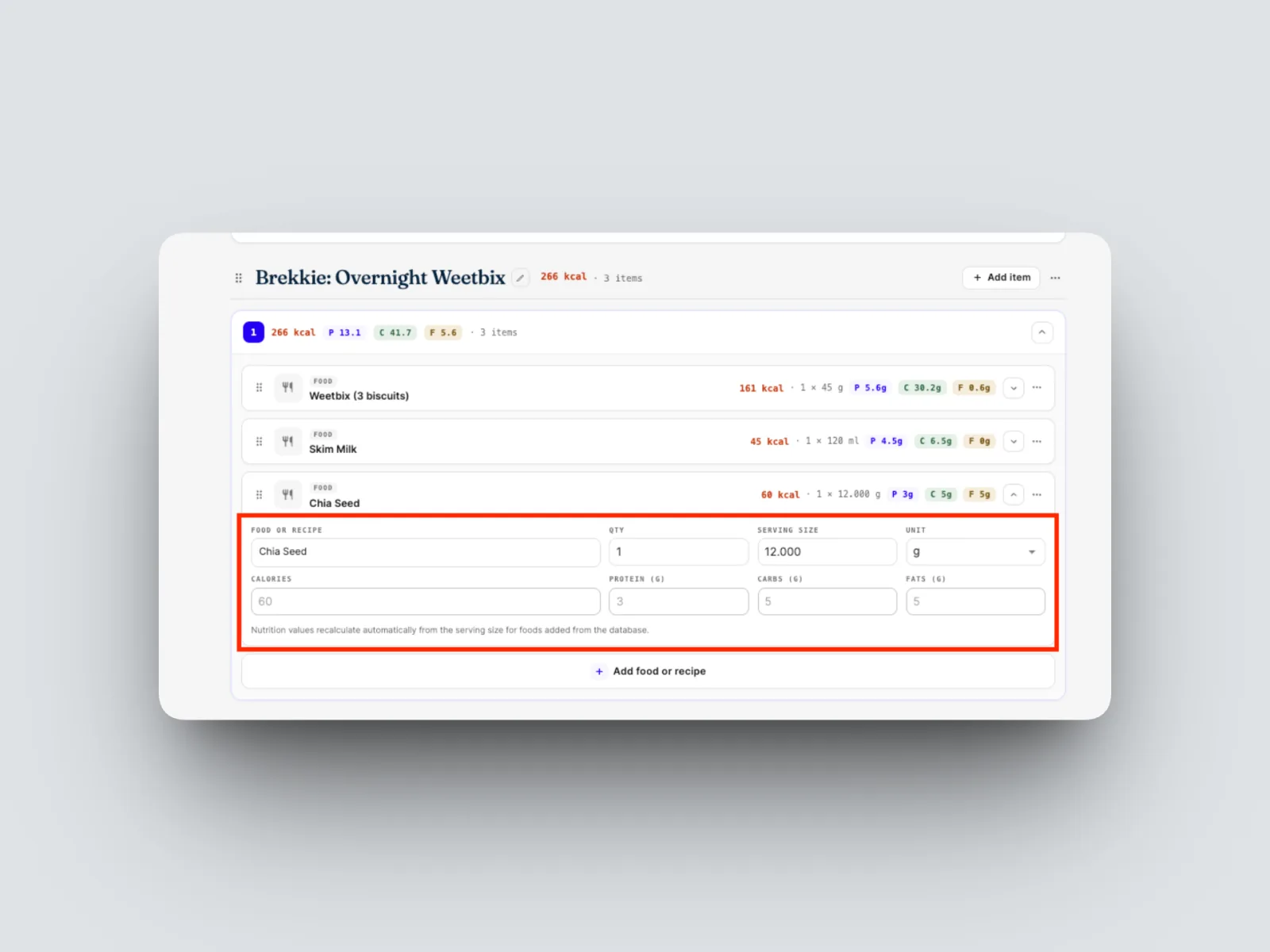
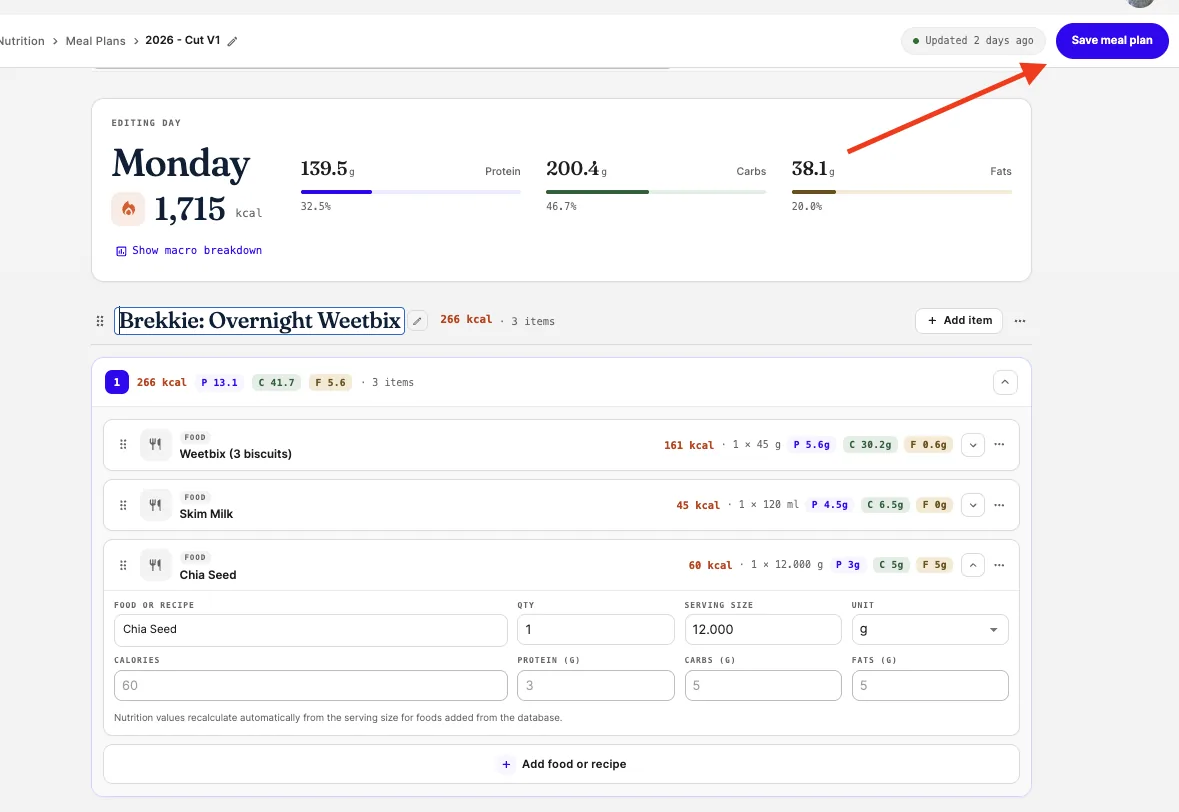
- Adjust the serving size and quantity as needed. Calories and macronutrients are set by the verified database and cannot be edited.
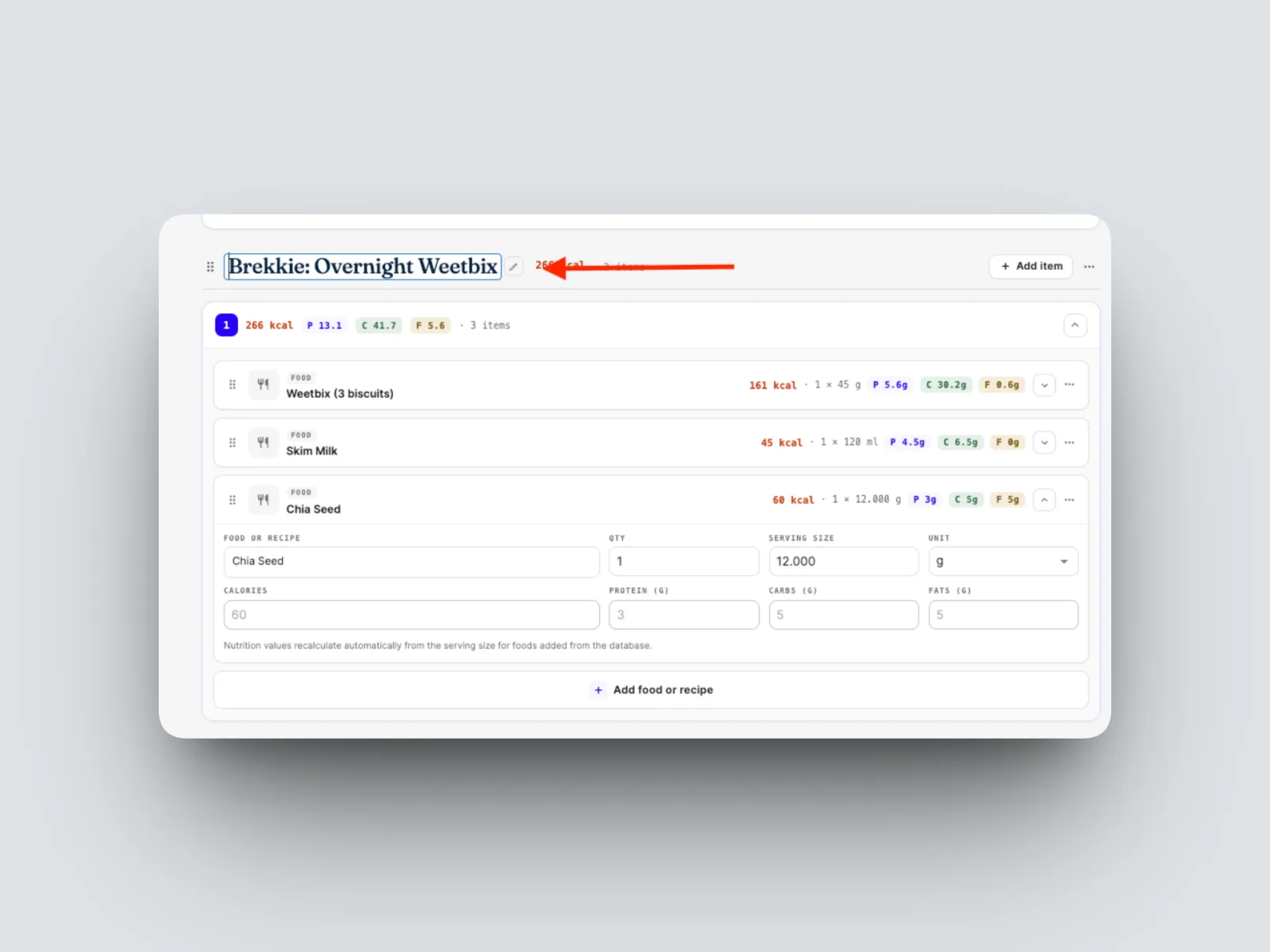
- Assign foods to the meals of the day, adjusting the plan to suit the client.
- When the plan is ready, select Complete and share.
The plan is sent to your client's app, where they can follow it. Prefer a flexible approach instead? See Assigning macros (flexible dieting).