
Leaving feedback on workouts and exercises
Respond to completed workouts in the timeline so feedback stays alongside the session it relates to.

When a client completes a workout, it appears in their timeline as workout feedback. This is where you respond to how a session went, and the whole exchange stays in one thread.
- Open the client's timeline and filter to Workout Feedback to see their completed workouts and exercises.
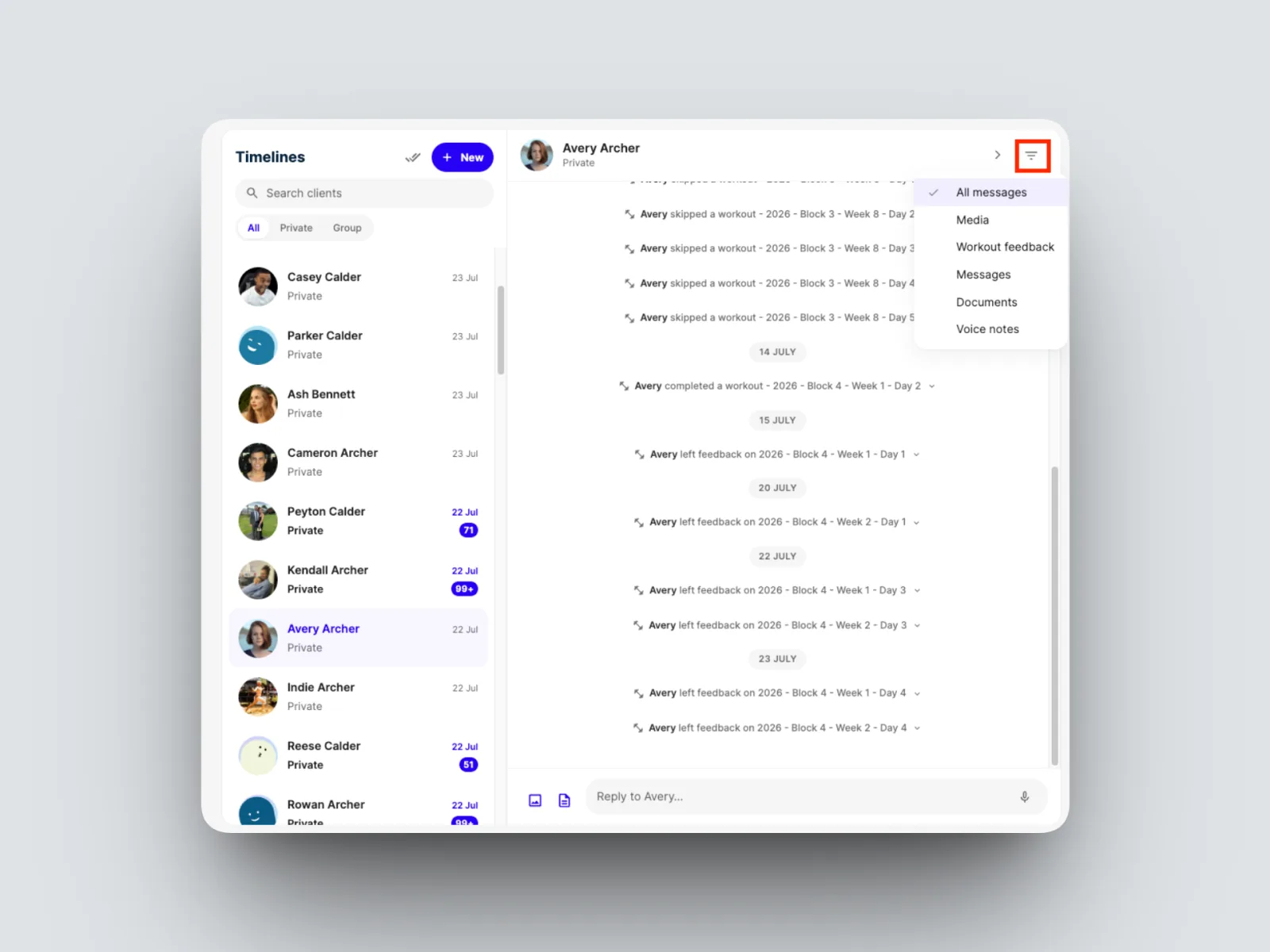
- Open the workout or exercise you want to comment on by clicking on it.
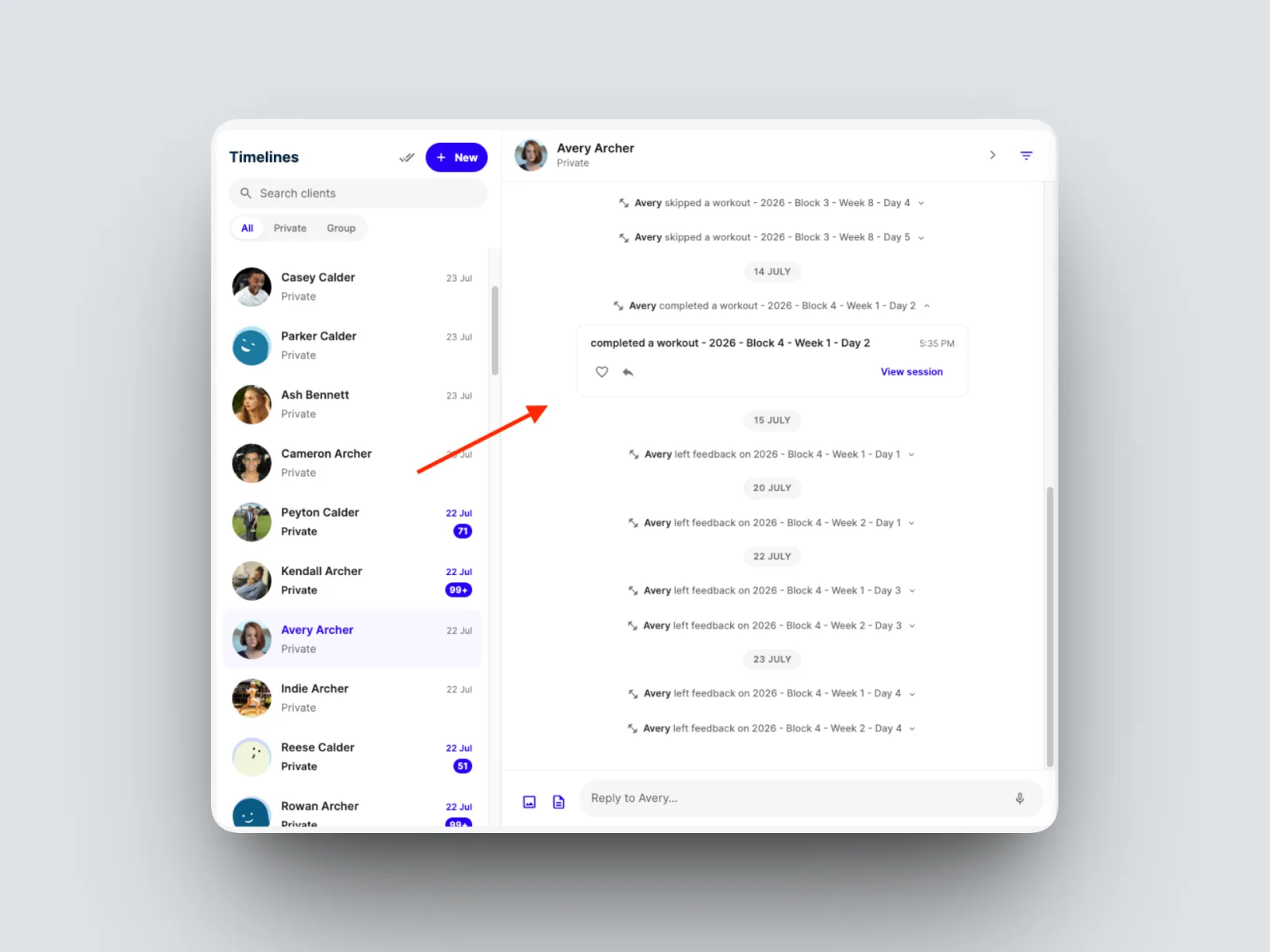
- Reply with your feedback. Your client can Like or Reply in turn, and the conversation is kept alongside the workout it relates to.
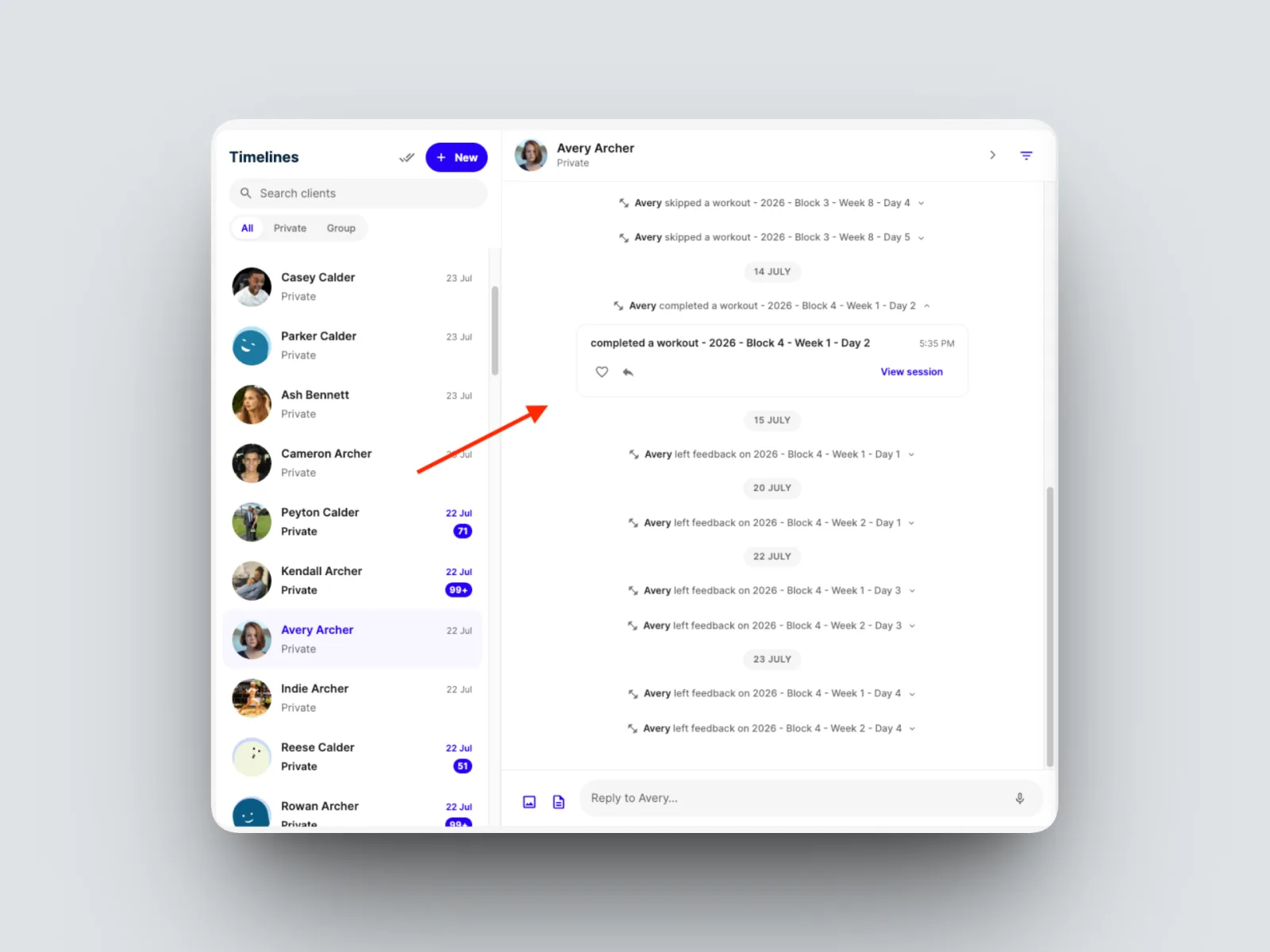
Because feedback sits in the timeline next to everything else, you always have the full context of a client's training and your conversations in one view. See Understanding the timeline.