
Converting a lead into a client
Turn a won lead into a client, moving them into your client list with an app invitation.

When a lead is ready to sign on, you convert them into a client. They move out of your pipeline and into your client list, and receive their invitation to your branded app.
- Open the lead from your pipeline.
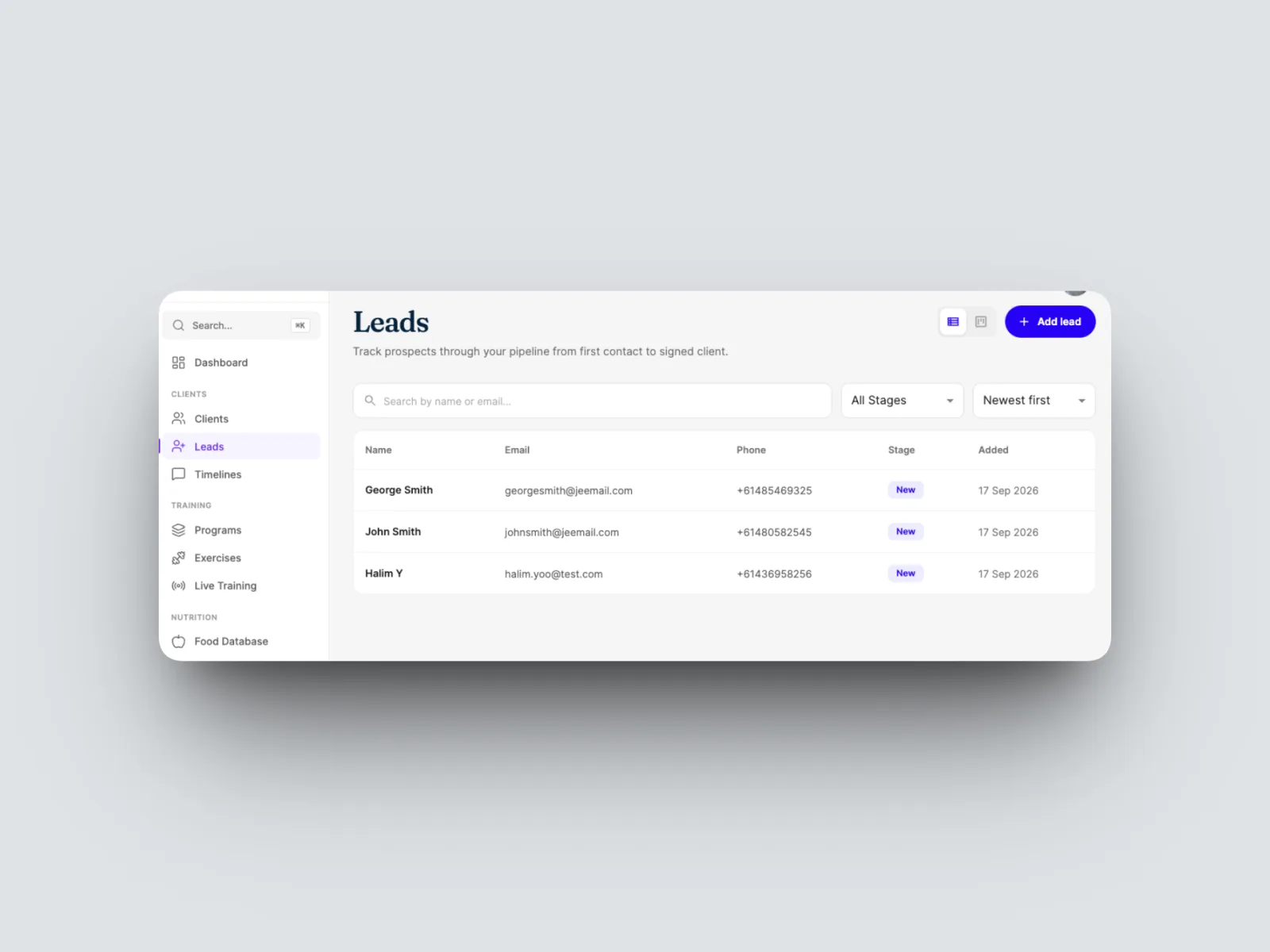
- Select Convert to Client in the top right of the lead's page.
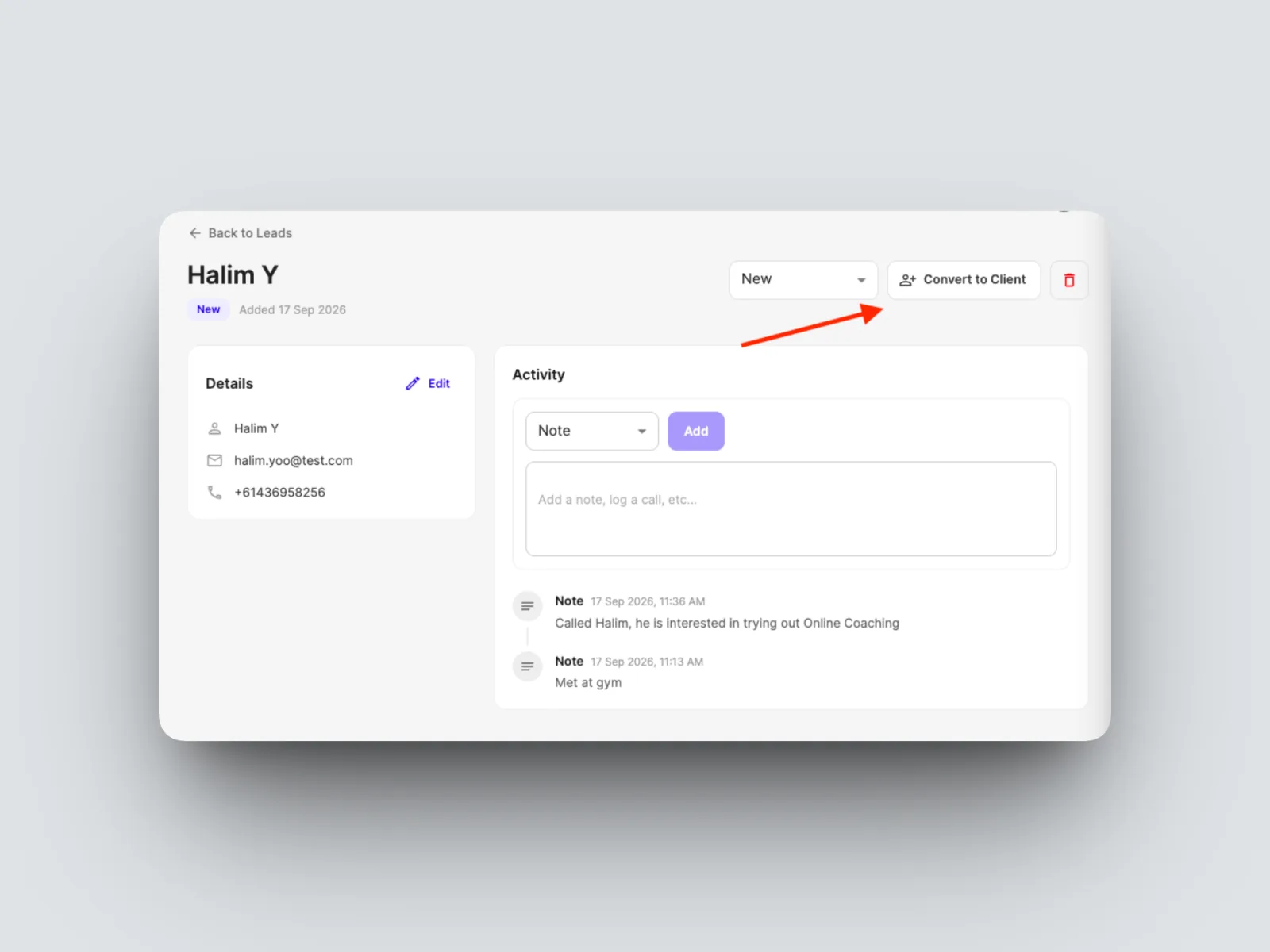
- The lead becomes a client, added to your Clients list and sent an invitation to join your workspace, the same as adding a client directly.
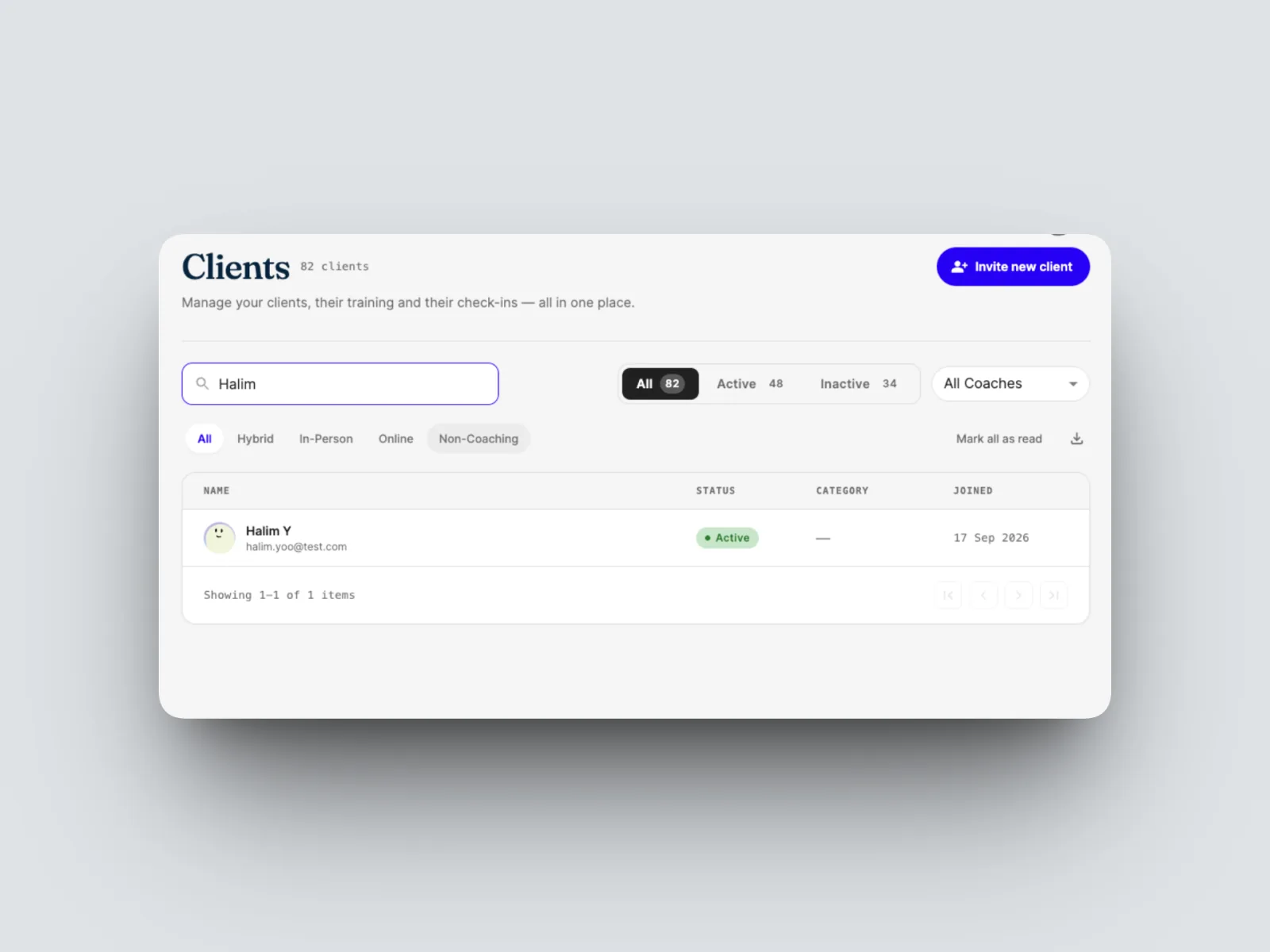
From here they follow the normal client journey. See Adding a client.