
Client statuses
Use the four client statuses to see where each client sits and who needs your attention.

A client's status tells you, at a glance, where they sit in your coaching relationship and whether they need your attention. FitFocus uses four:
- Active: the client is currently training with you. This is the default.
- Program ending: the client has finished a program, or is close to the end of one, and needs a new program prepared. This is flagged automatically.
- Inactive: the client is not currently training, for example because they are taking a break. You set this yourself, and inactive clients are kept out of your clients needing attention panel.
- Invoice overdue: the client has an outstanding payment. This is flagged automatically.
Program ending and invoice overdue are surfaced for you automatically on your dashboard. Active and inactive are yours to set.
Changing a client's status
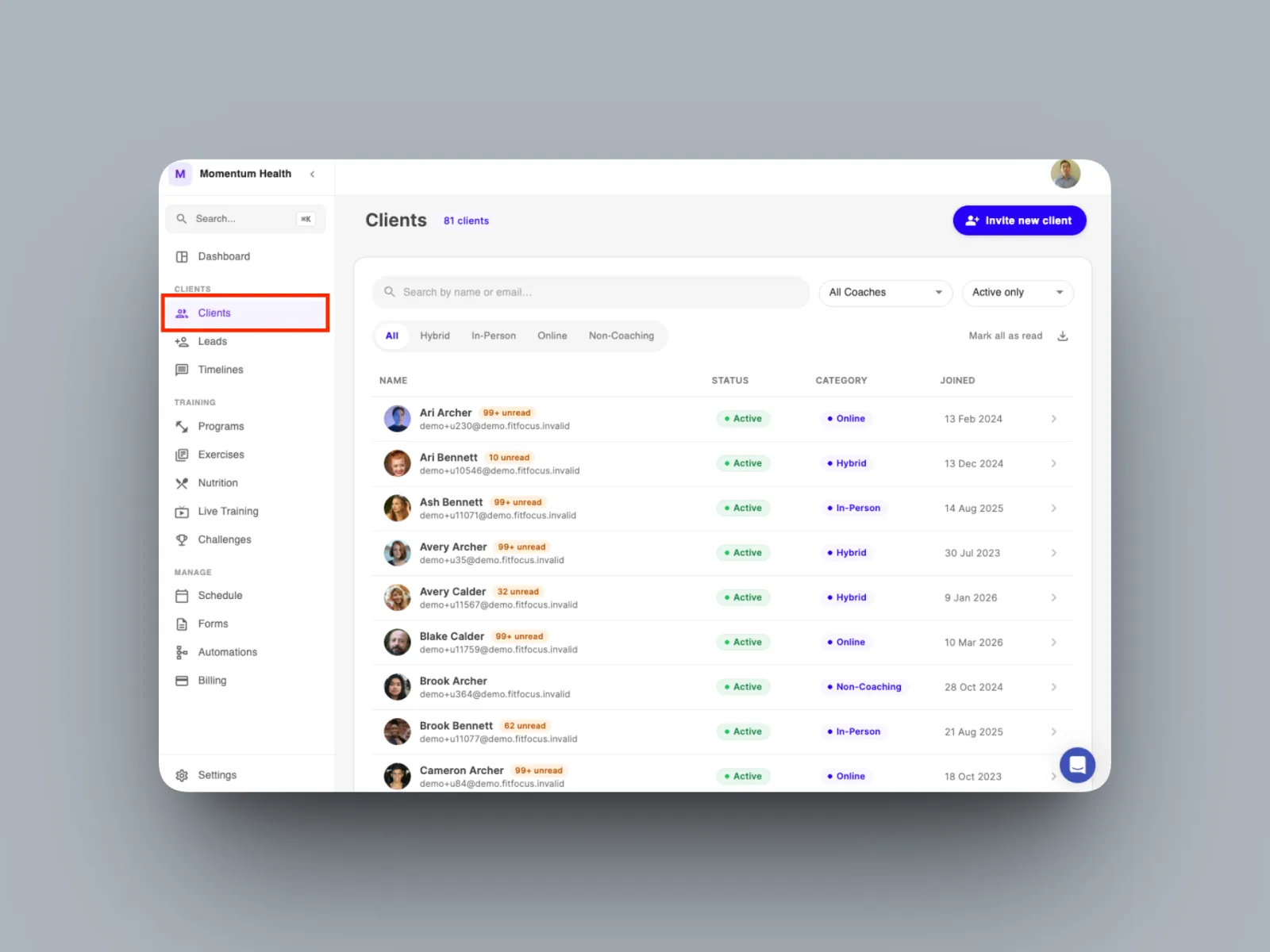
- Open the client from your Clients list.
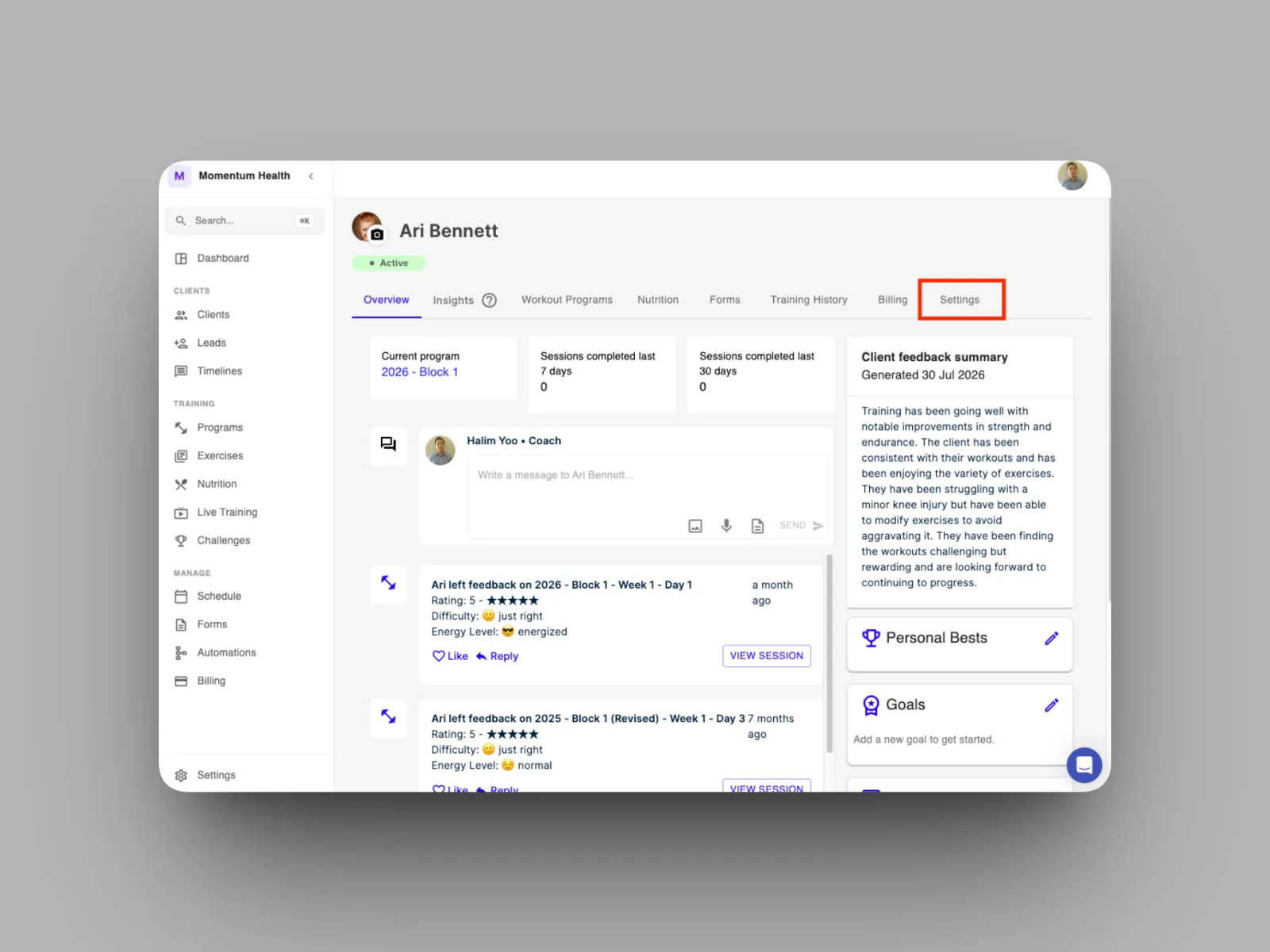
- Go to the Settings tab on their profile
- Scroll down to the status options to toggle the status between active and inactive.
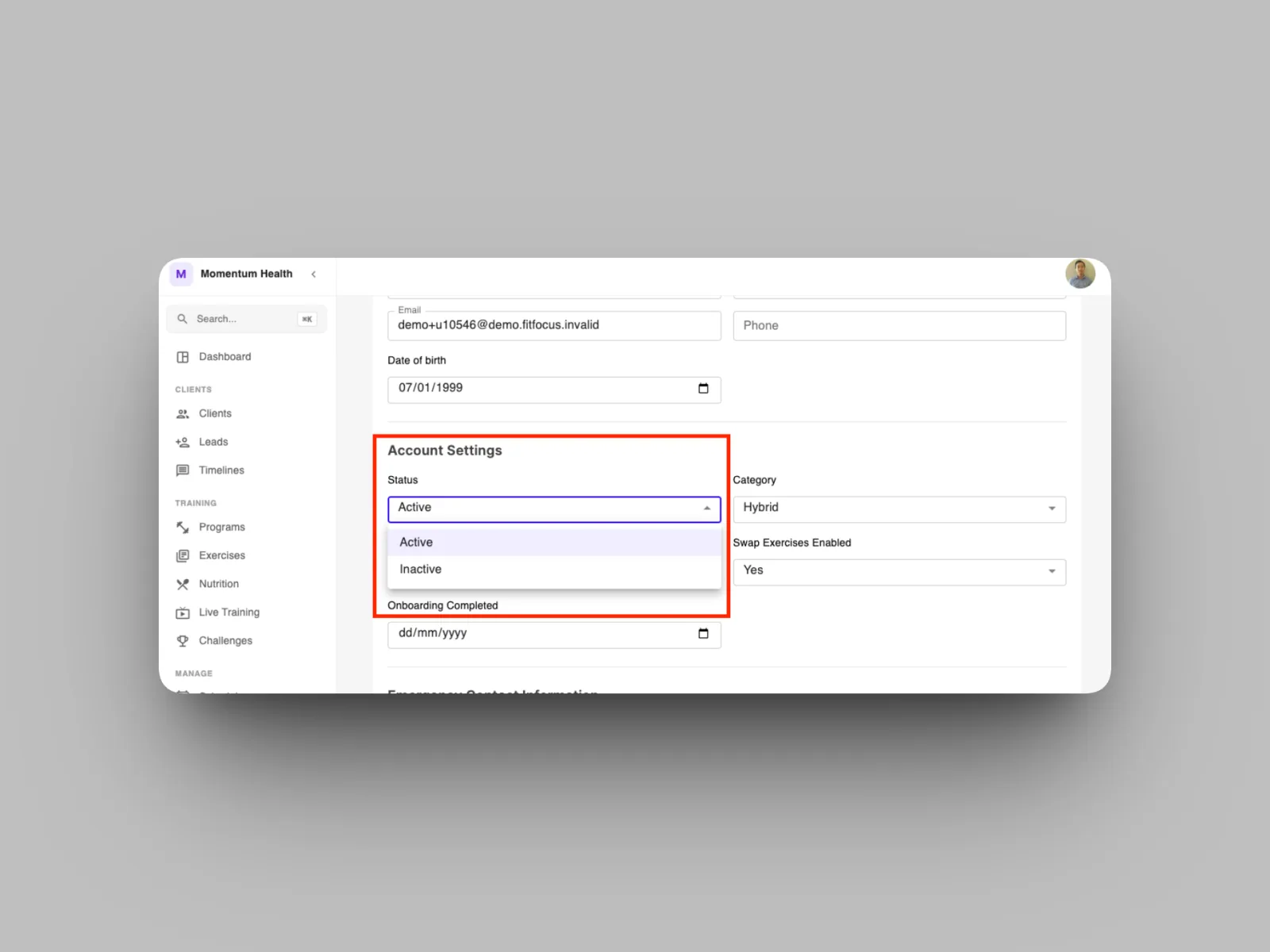
Setting a client to inactive keeps their history intact while removing them from your clients needing attention panel, so your dashboard stays focused on the clients who actually need you.