
Build a 12-week program in one sitting
Go from an empty program to a complete multi-week training block in a single sitting with the builder.

The program builder is the fastest way to write a full training block. This walkthrough takes you from an empty program to a complete multi-week plan in a single sitting.
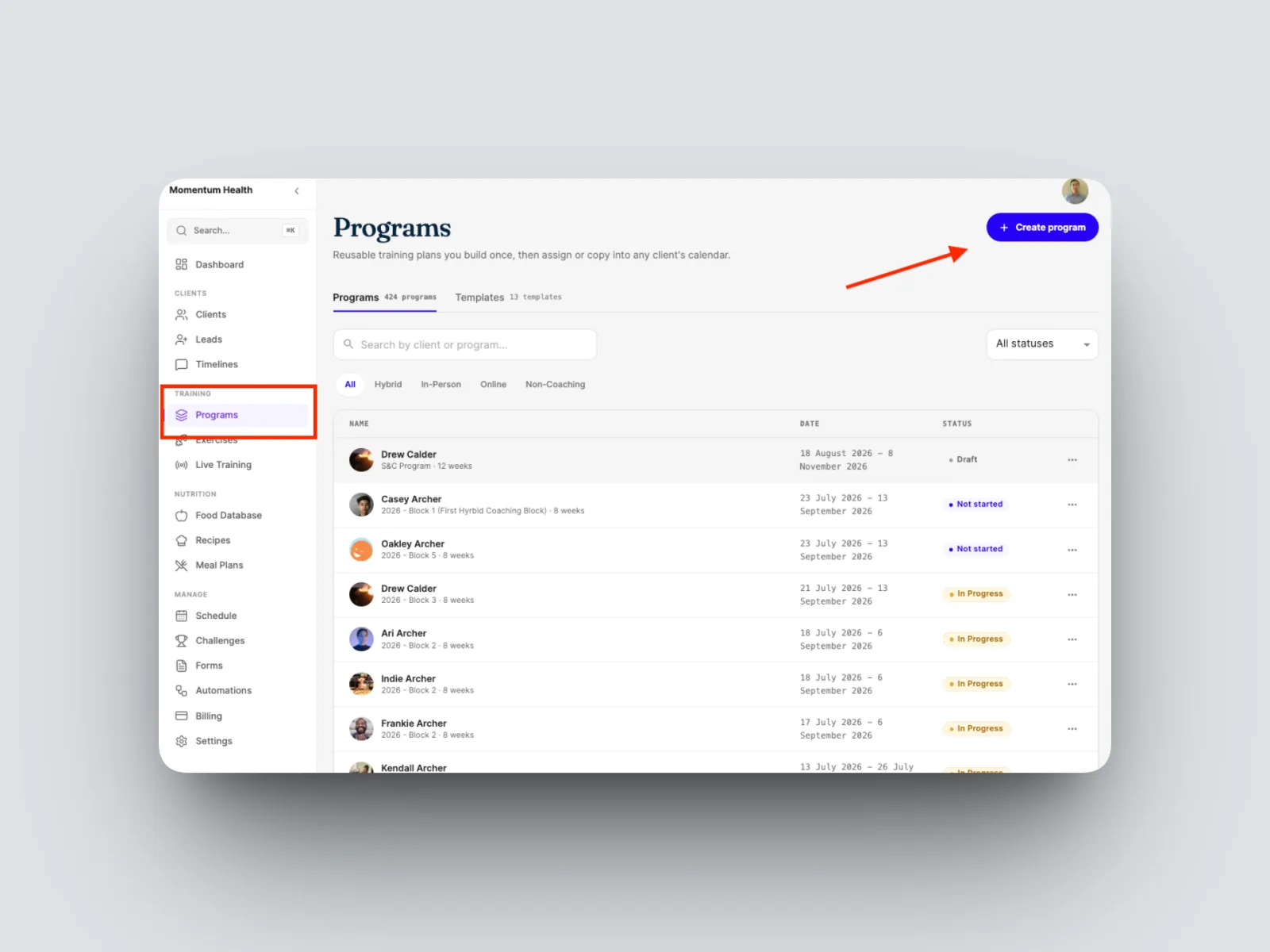
- From the left-hand menu, open Programs, then create a new program. You can also open an existing one from a client.
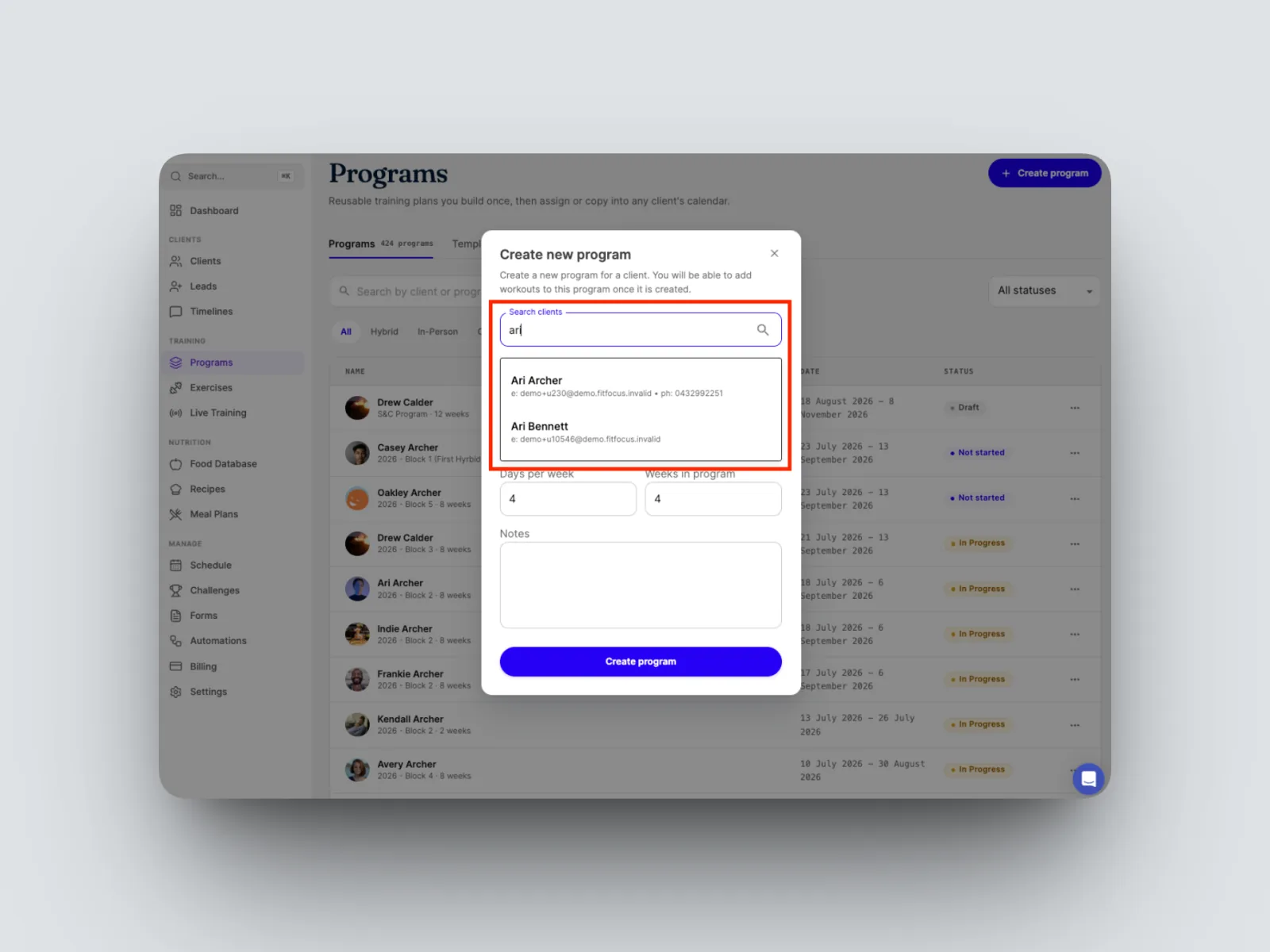
- Search for and select the client.
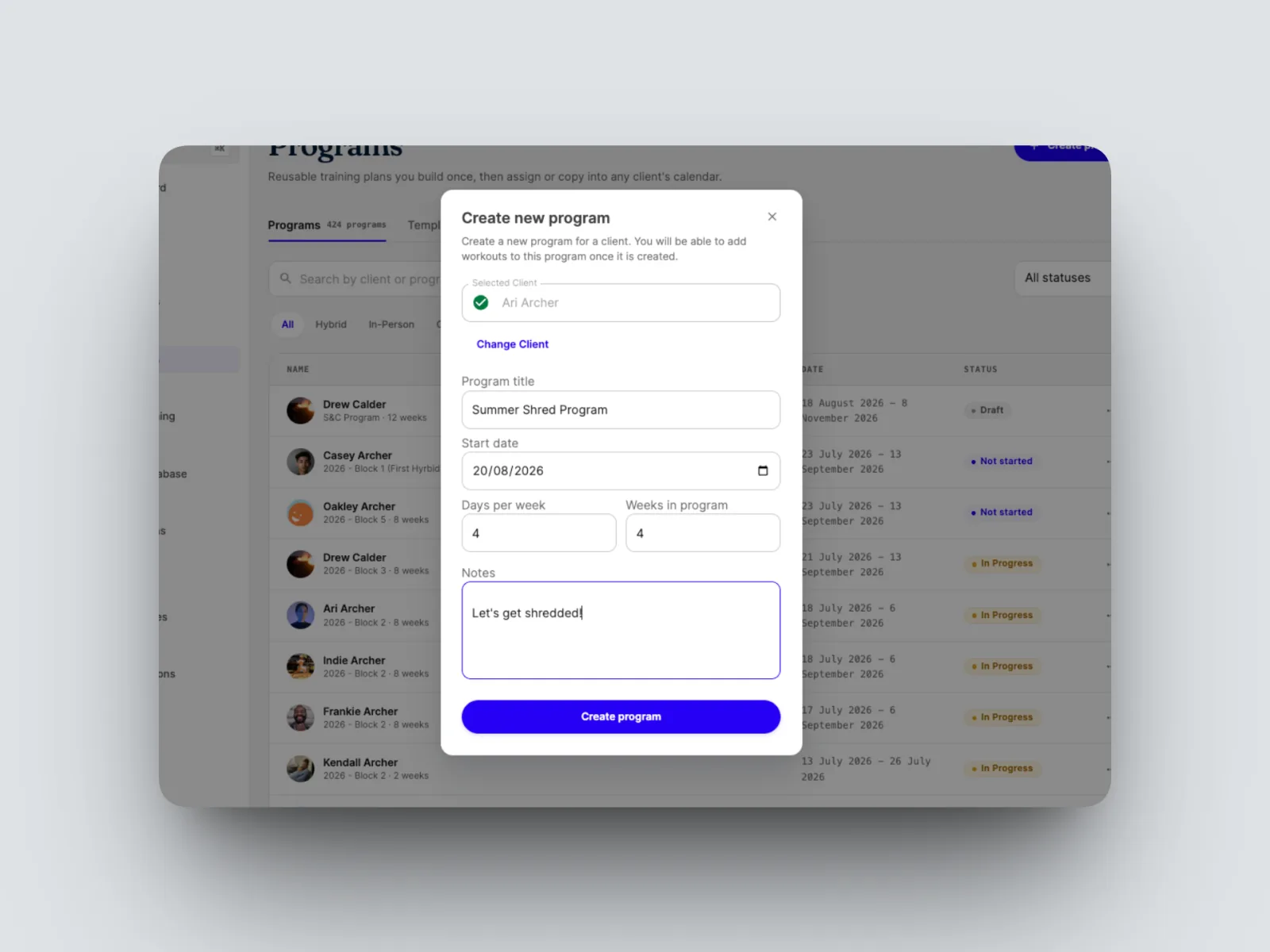
- Name the program, set the start date, and set the training frequency and length, for example three days a week across twelve weeks. Create the program.
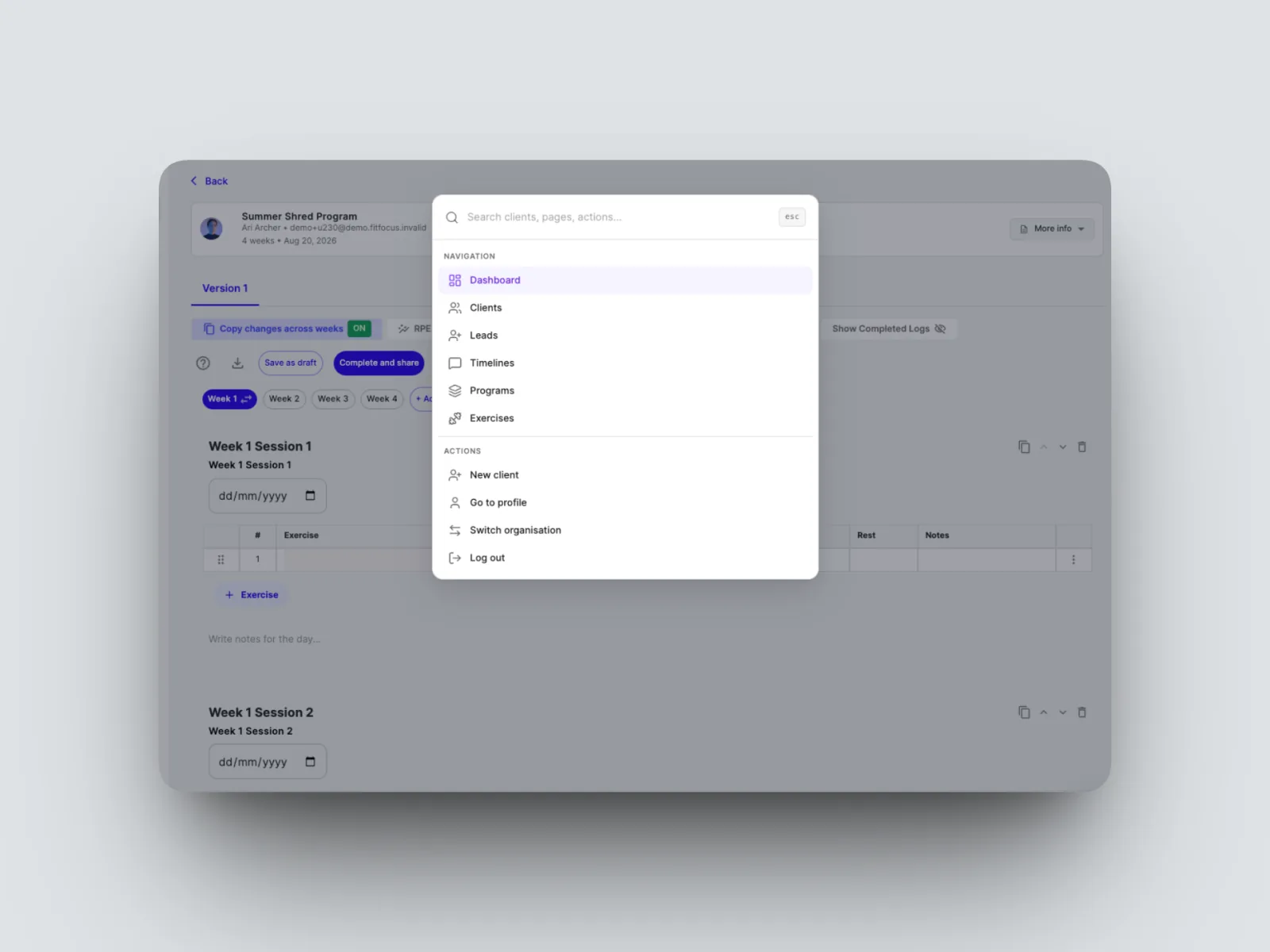
- Build in the grid. The builder works like a spreadsheet with full keyboard navigation, and Cmd+K opens a search bar to jump anywhere in FitFocus.
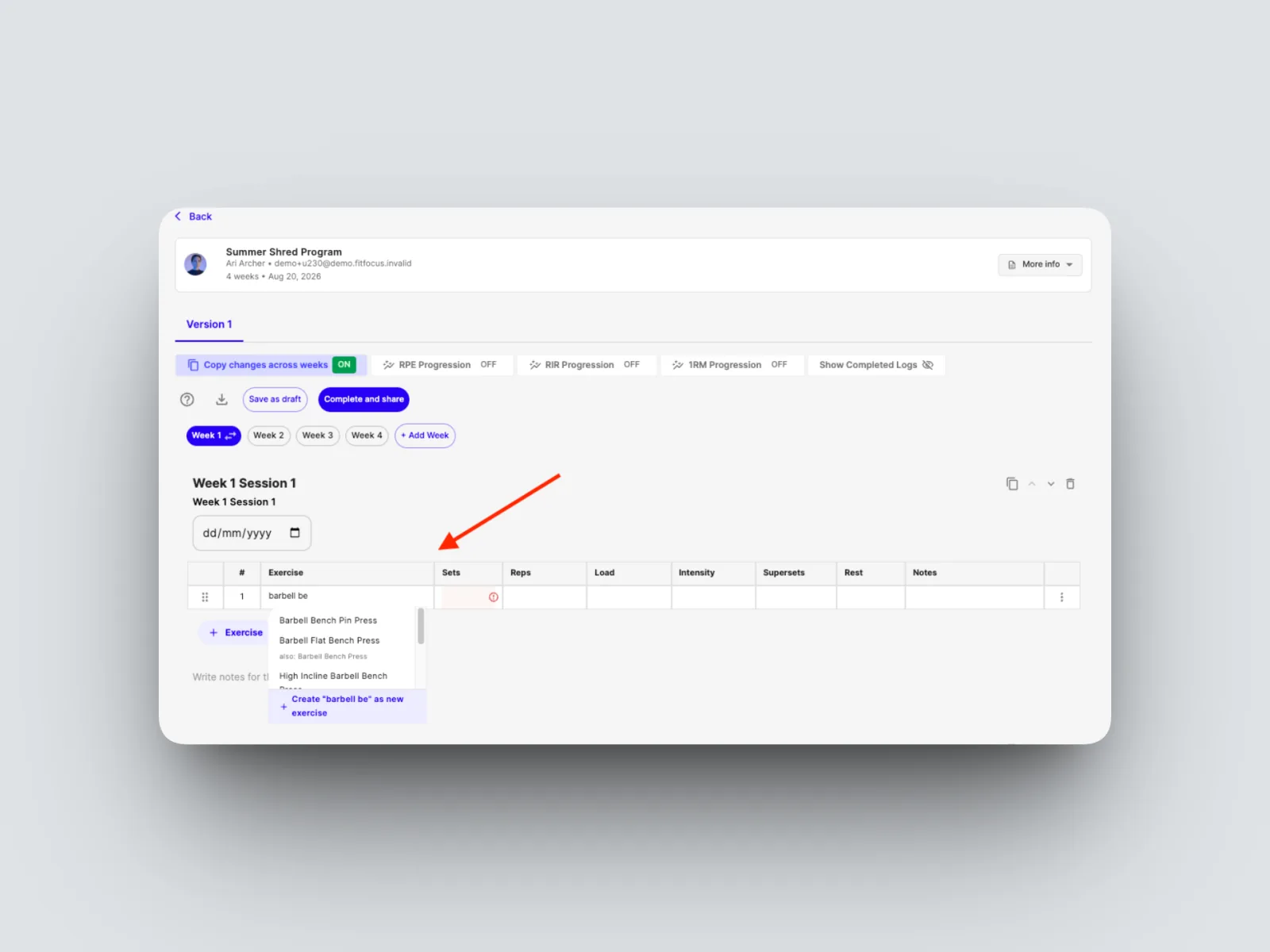
- Add an exercise by searching from the cell. Exercises pull from your connected library, and aliases surface the right variation.
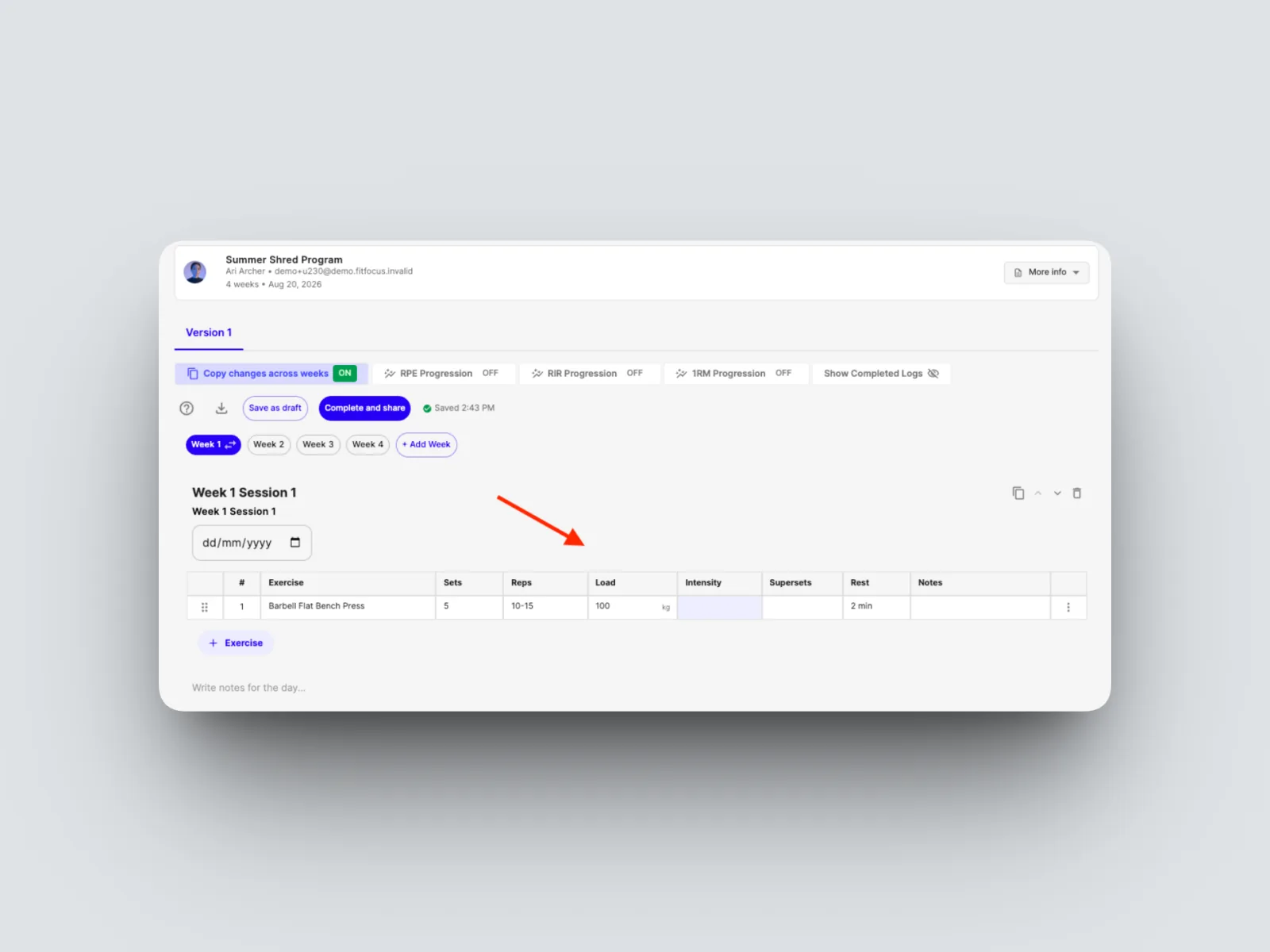
- Prescribe the exercise: set the sets, reps, and load (exact kilos or pounds, or RPE or RIR), then add rest and any notes.
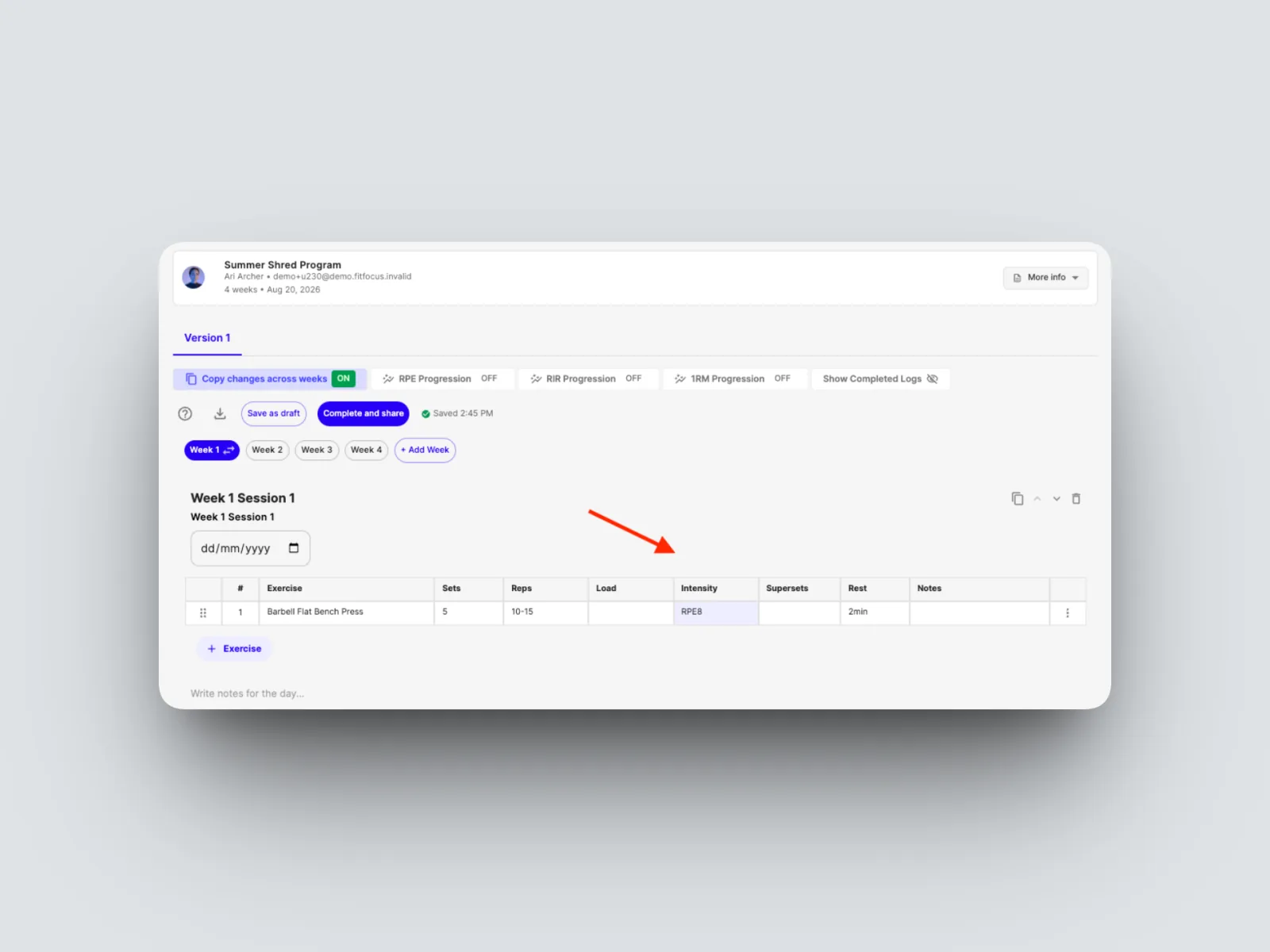
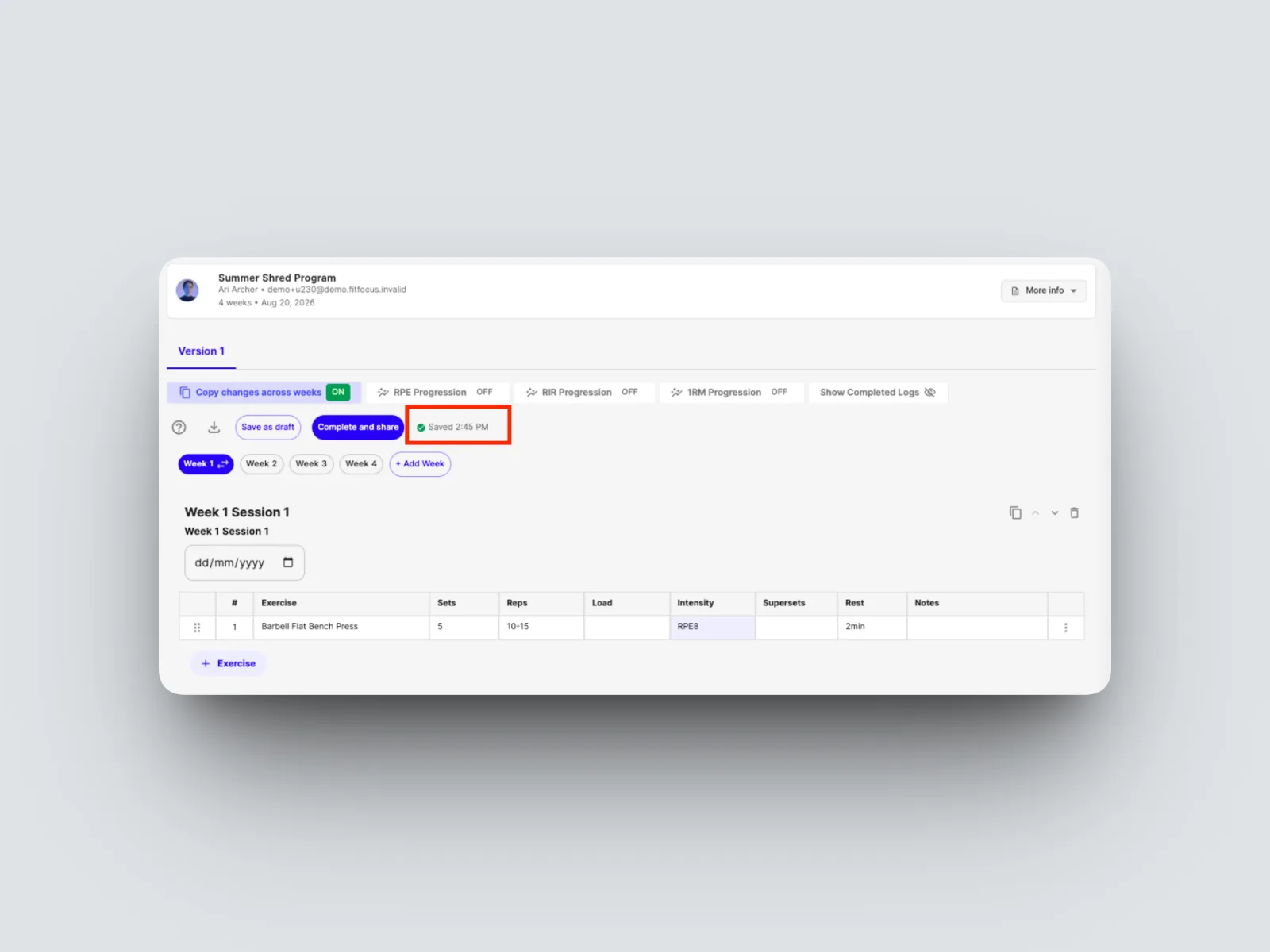
- Keep building out the weeks. Your work autosaves while the program is a draft.
From here you can assign the program to your client and reuse it as a template. See Spreadsheet-style navigation and keyboard shortcuts, Templates: build once, apply in seconds, Assigning, editing and swapping a client's program, and How your program lands in the client's app.