
Adding a lead
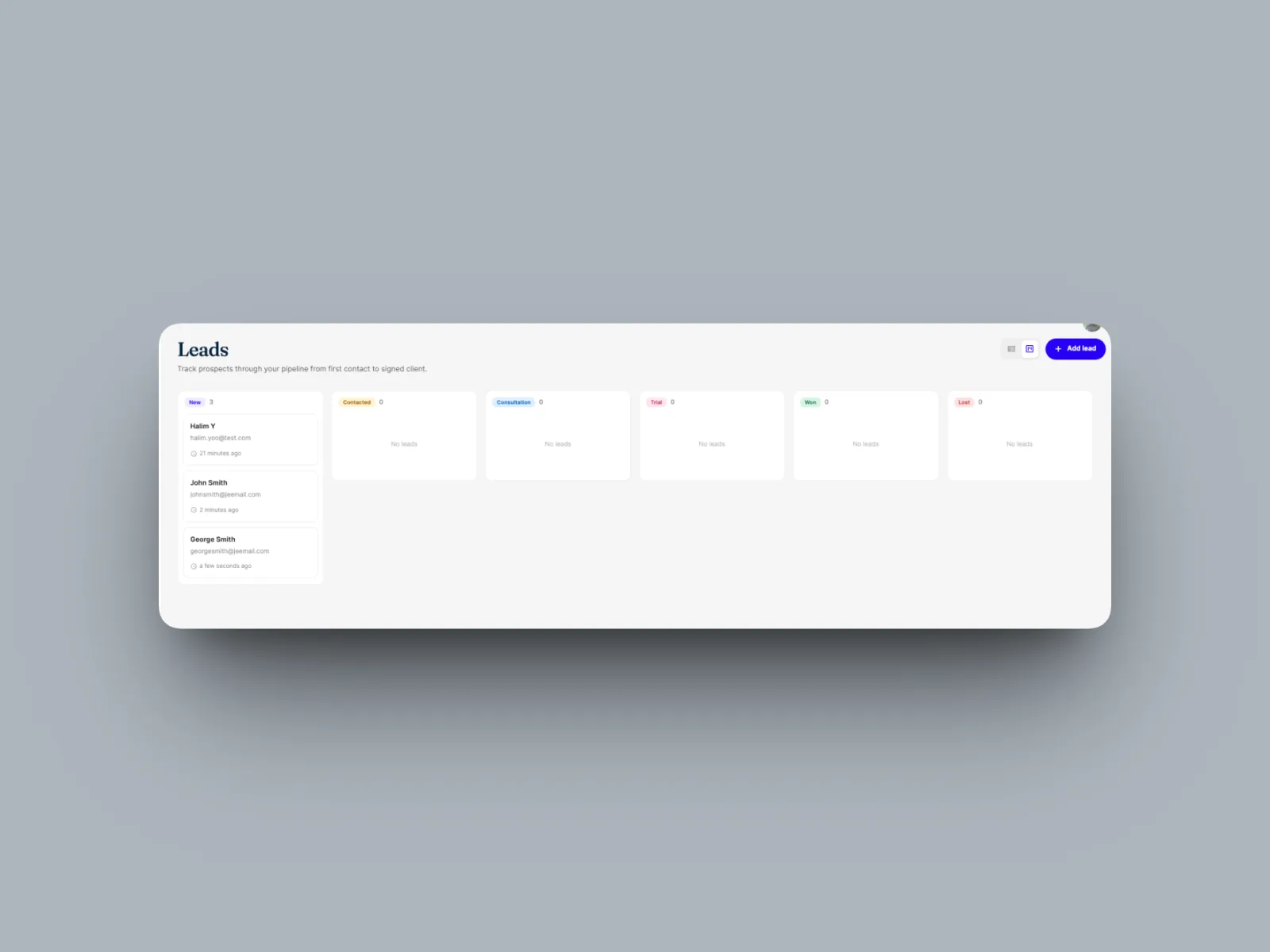
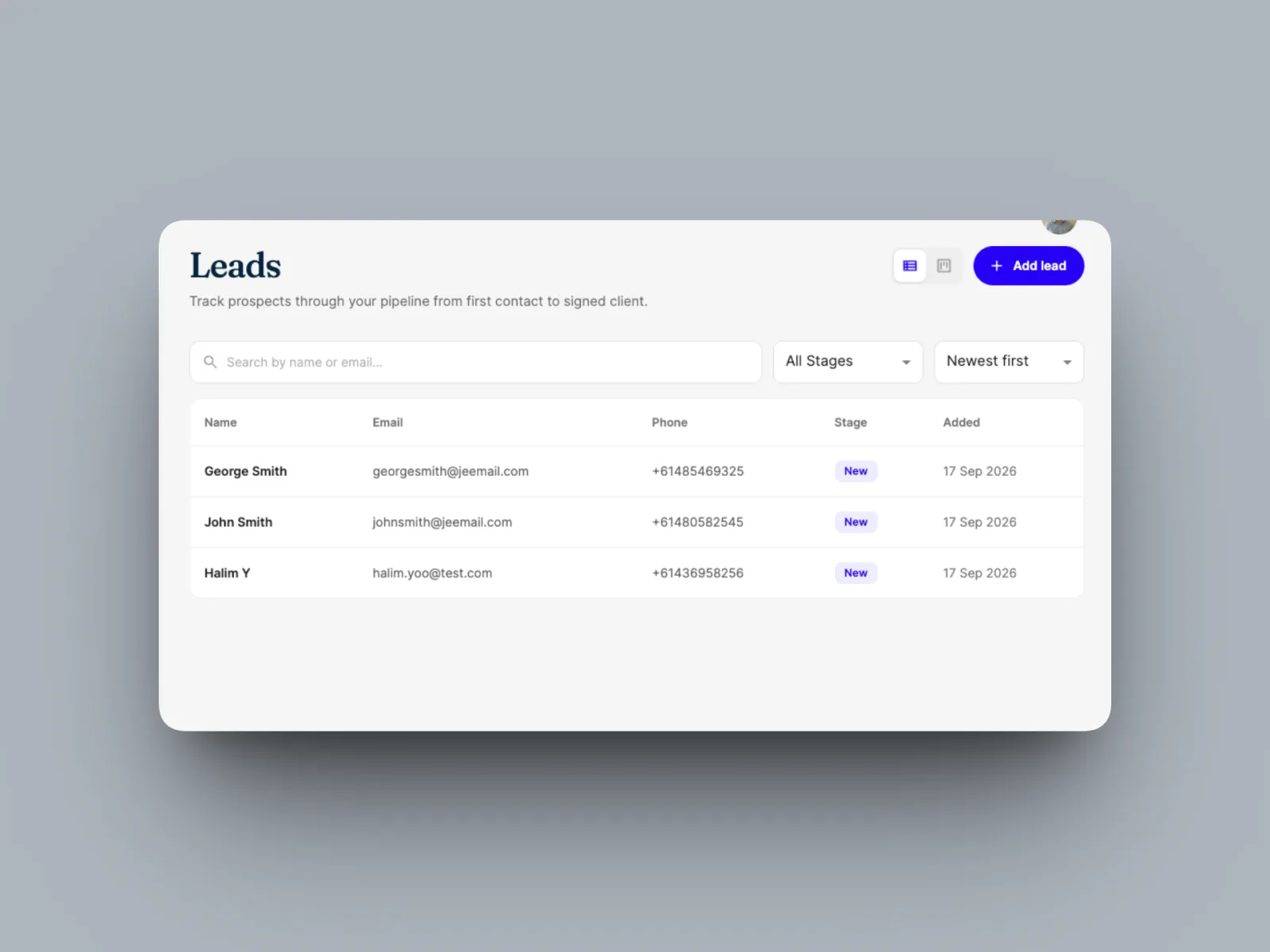
Capture a prospective client at the top of your pipeline, as a list or a board of deal stages.

Your leads pipeline is where you capture and track prospective clients before they sign on. Adding a lead drops them into the top of your pipeline so you can work them through to a sale.
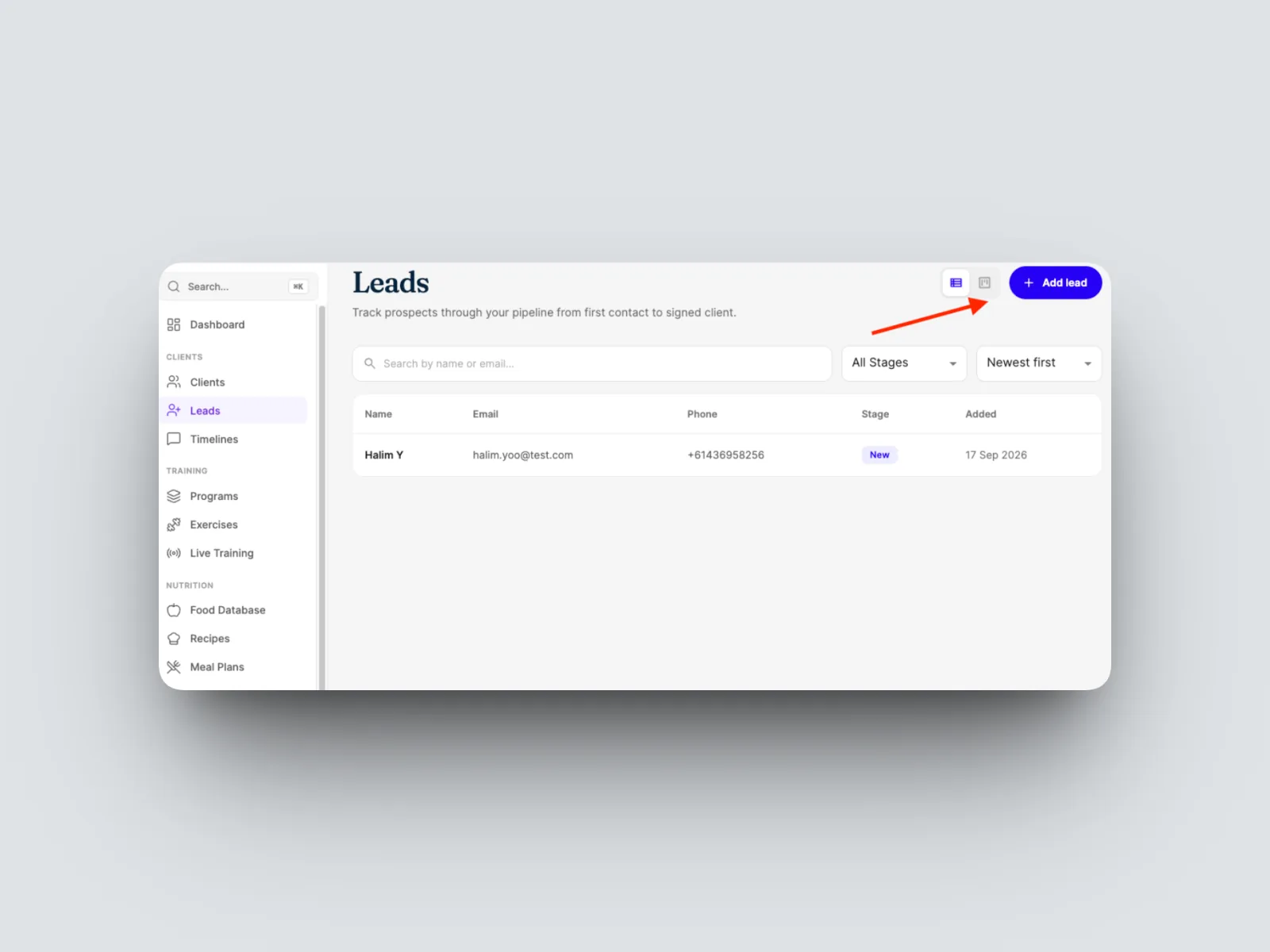
- From the left-hand menu, open Leads.

- Select Add lead from the top right.
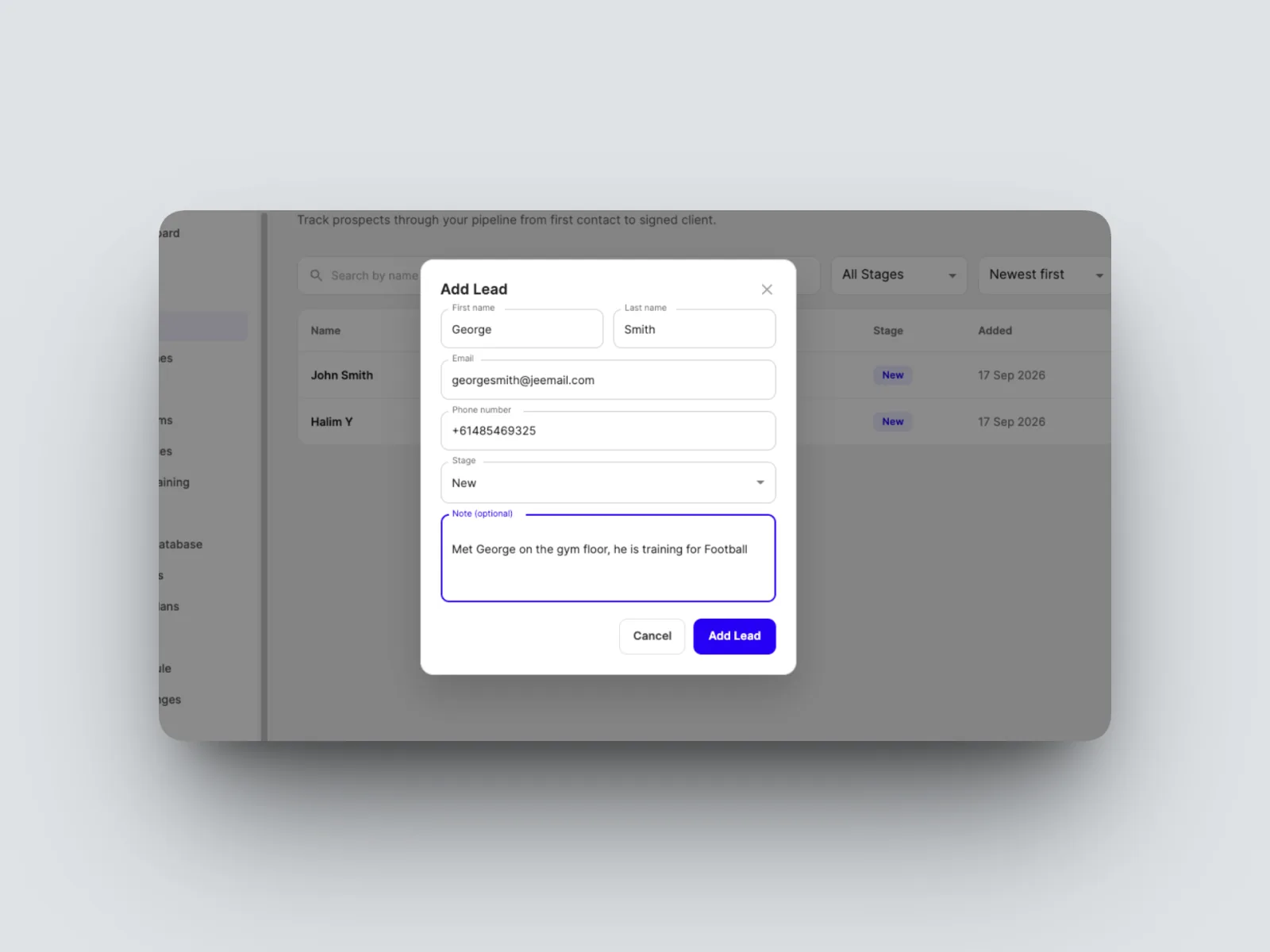
- Enter the lead's details, such as name, email, and phone, and save.
The new lead appears at the first stage of your pipeline, ready to work. You can view your leads as a list or as a board of deal stages, whichever suits how you work. Switch between them using the view toggle.
From here you move the lead through your deal stages toward a sale. See Working your leads through the pipeline.